The companion app for Ricoh GR cameras

Edit, save and load Image Control. Download and geotag your photos. Shoot from your phone. Fast, free and open source, on iOS and Android.

Download on the App StoreAndroid APK
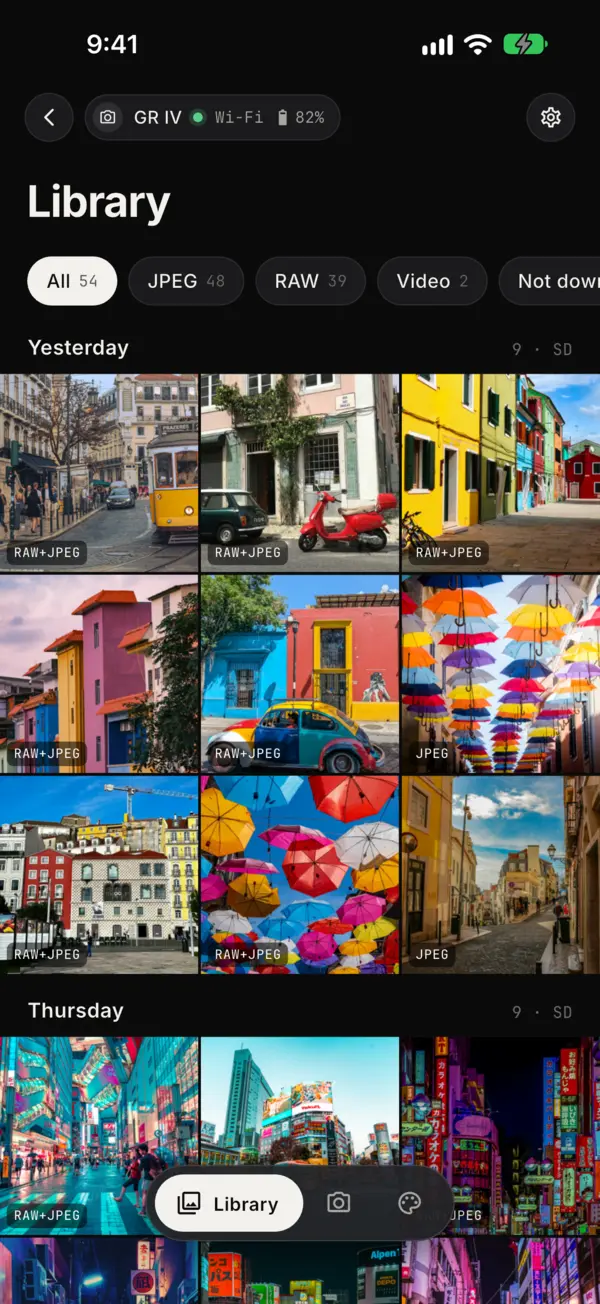
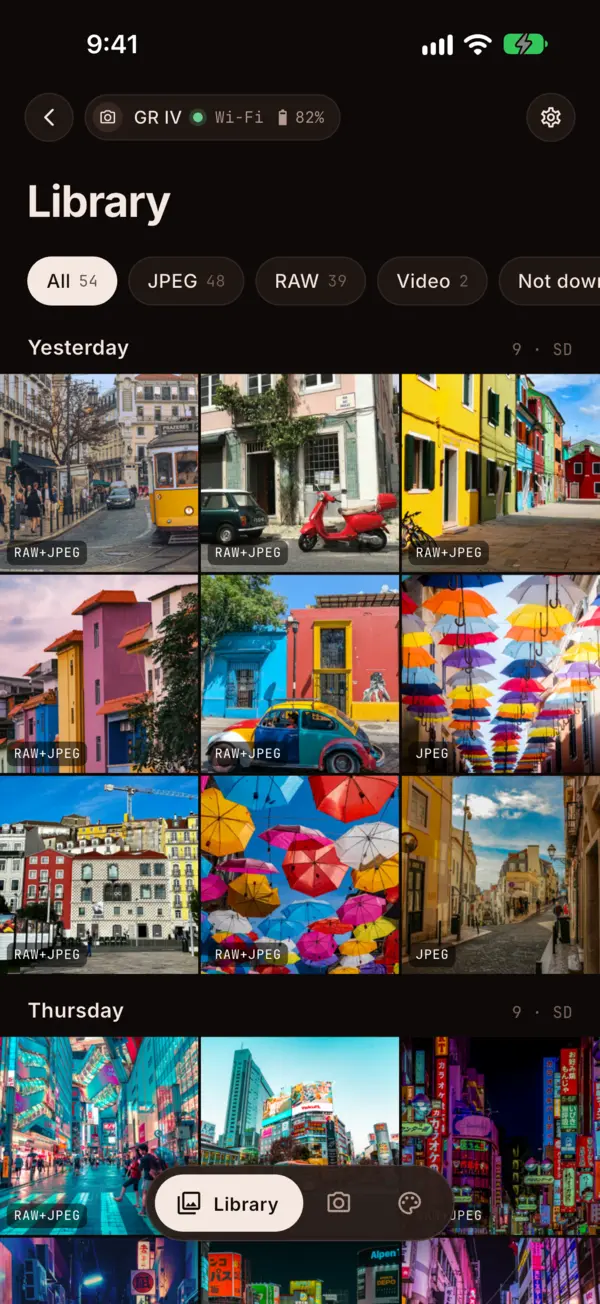
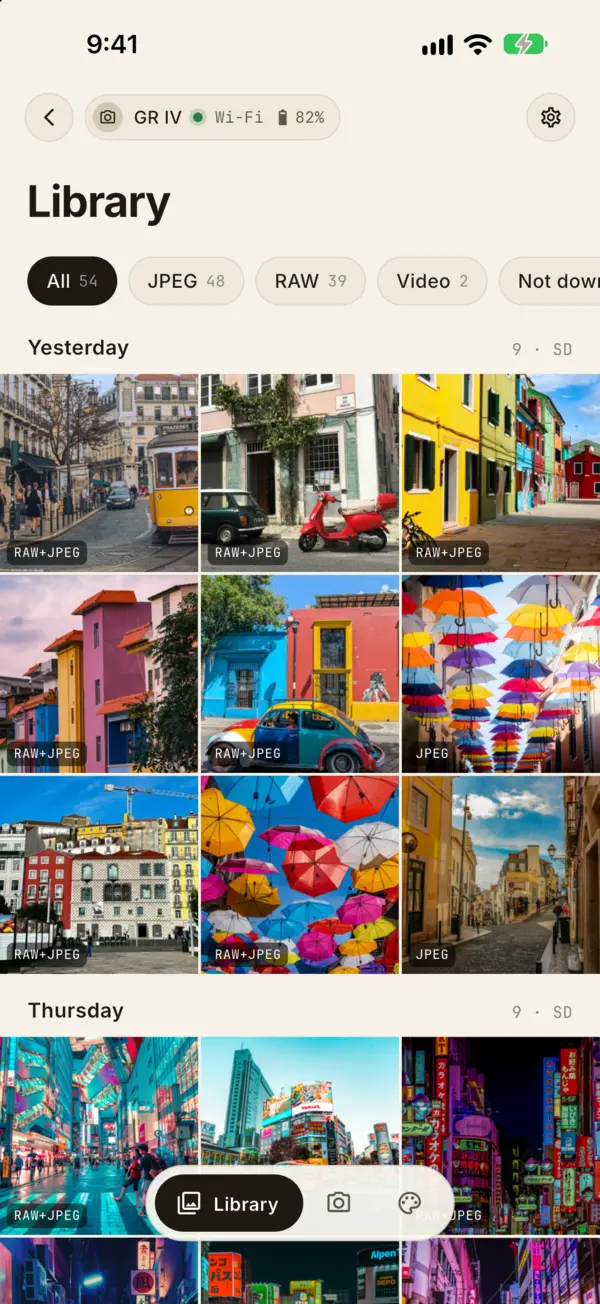
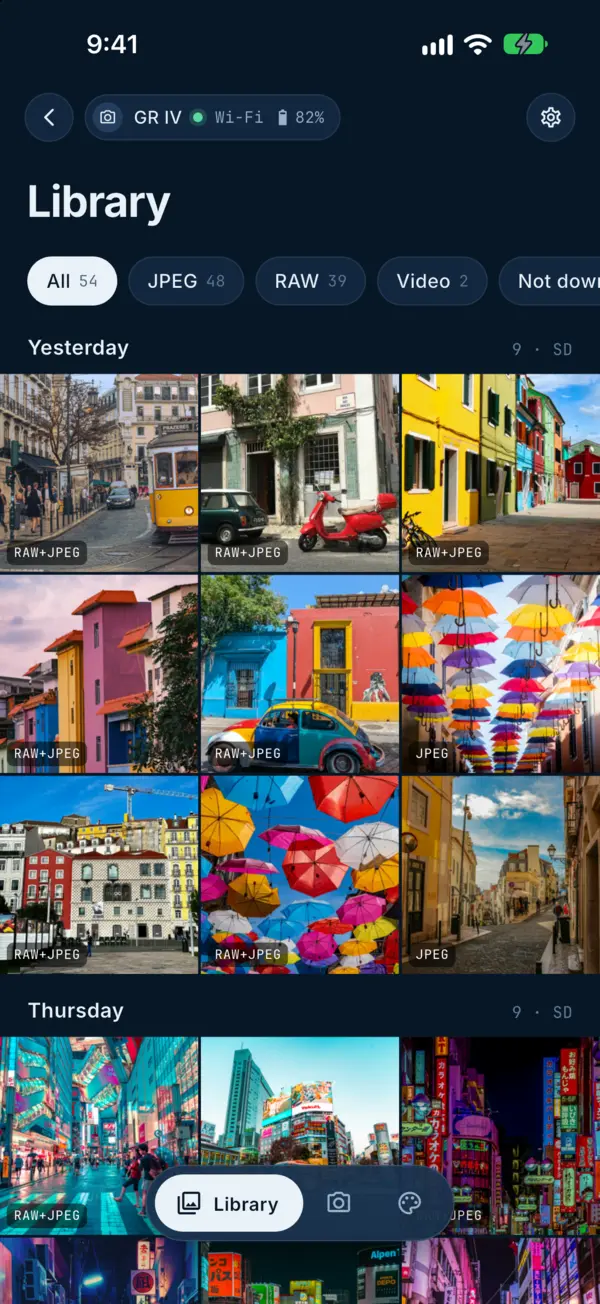
The Library: the photos on the camera's card by day, with filters for JPEG, RAW and videoThe Library: the photos on the camera's card by day, with filters for JPEG, RAW and videoThe Library: the photos on the camera's card by day, with filters for JPEG, RAW and videoThe Library: the photos on the camera's card by day, with filters for JPEG, RAW and videoThe Library: the photos on the camera's card by day, with filters for JPEG, RAW and video
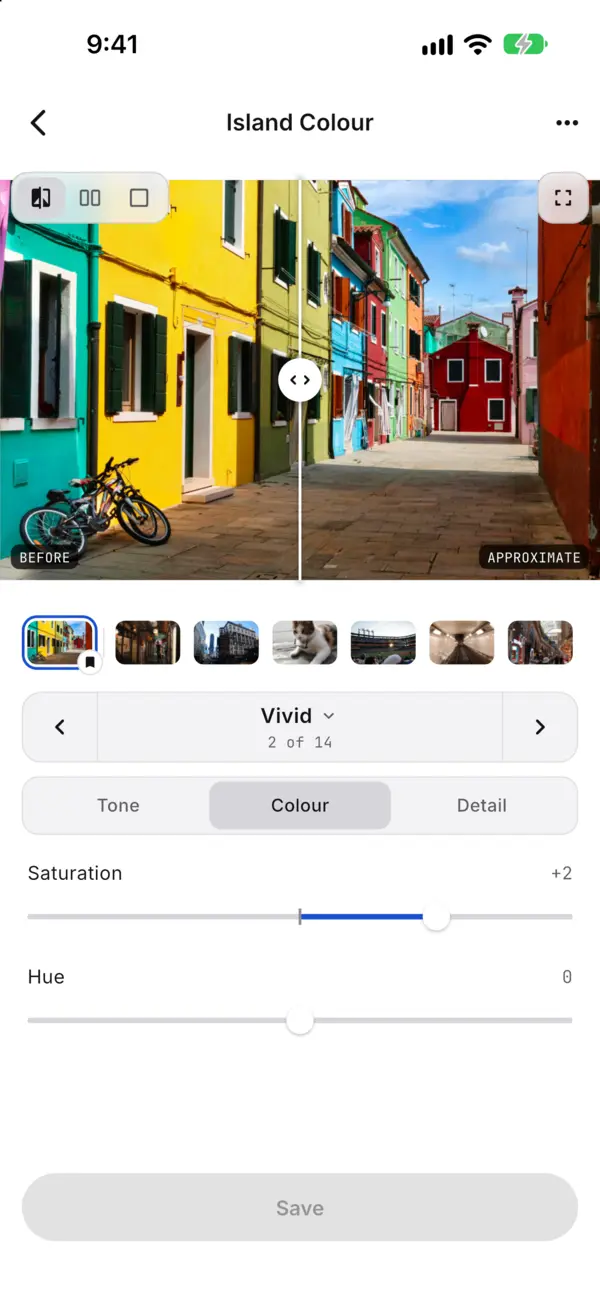
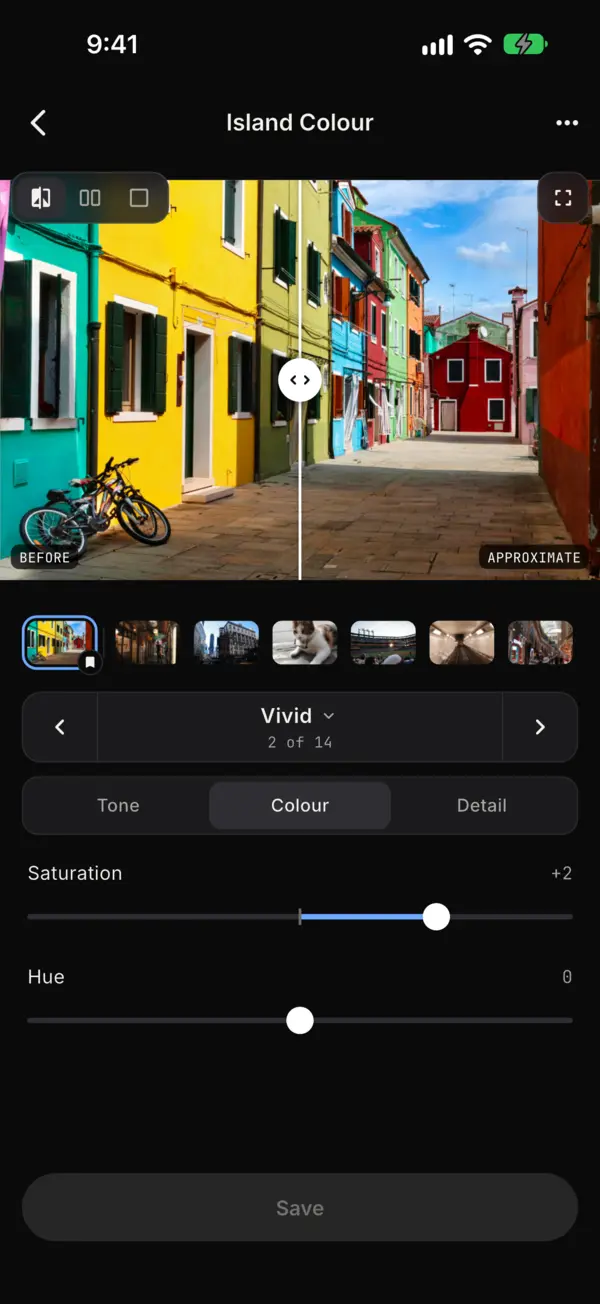
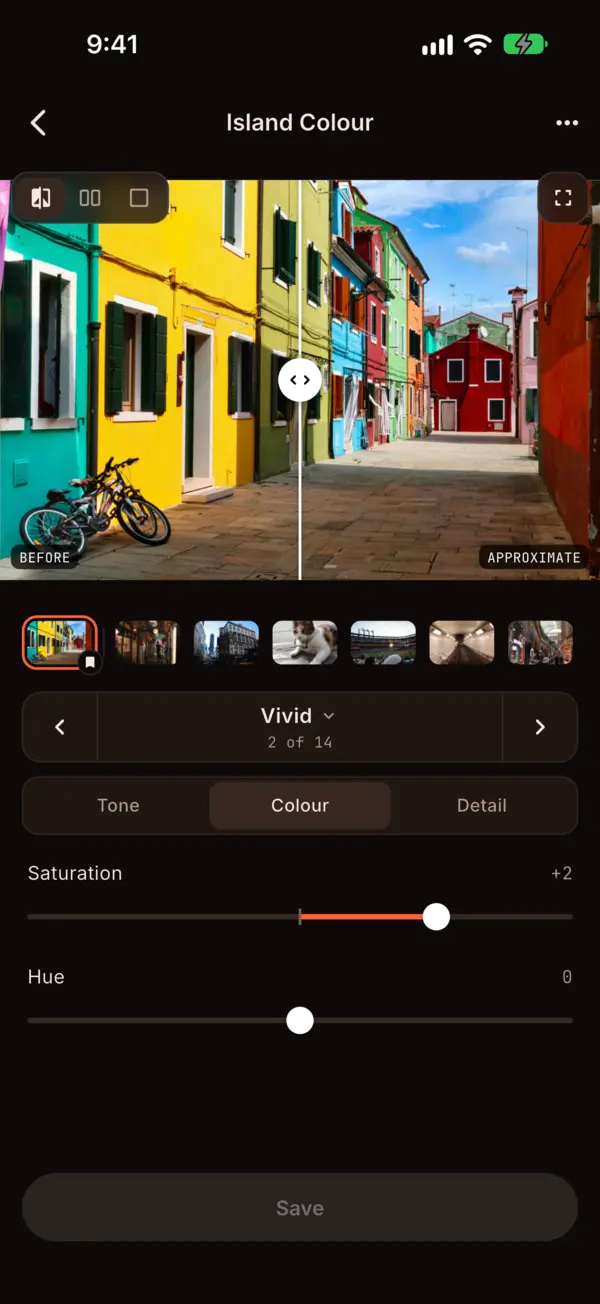
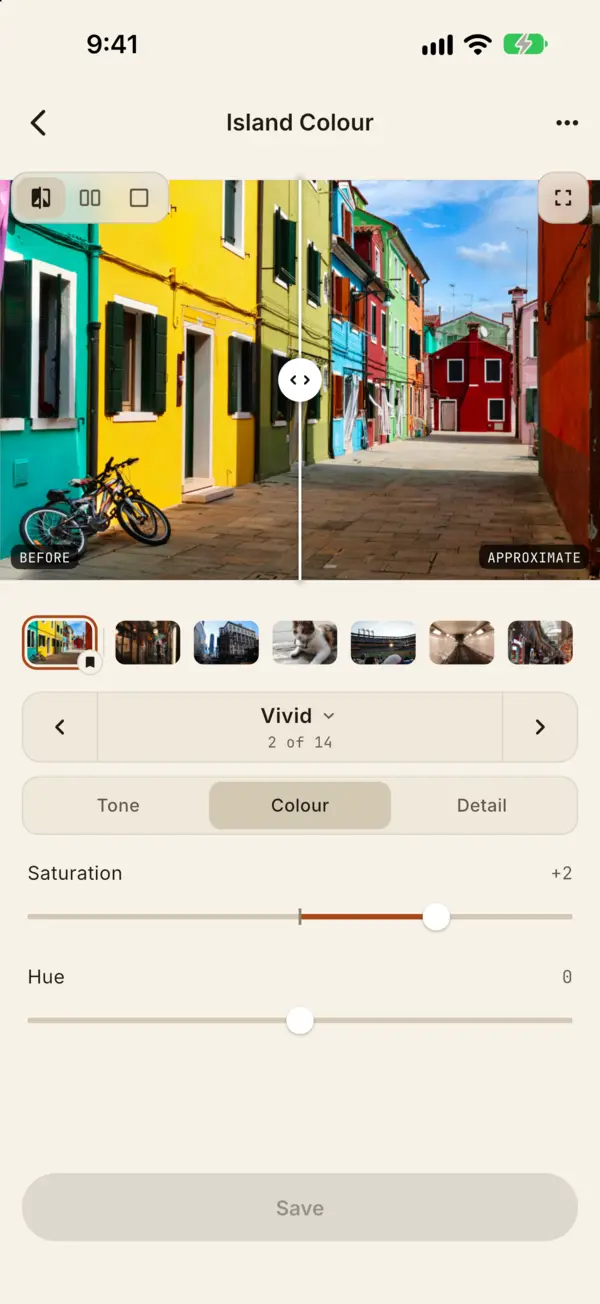
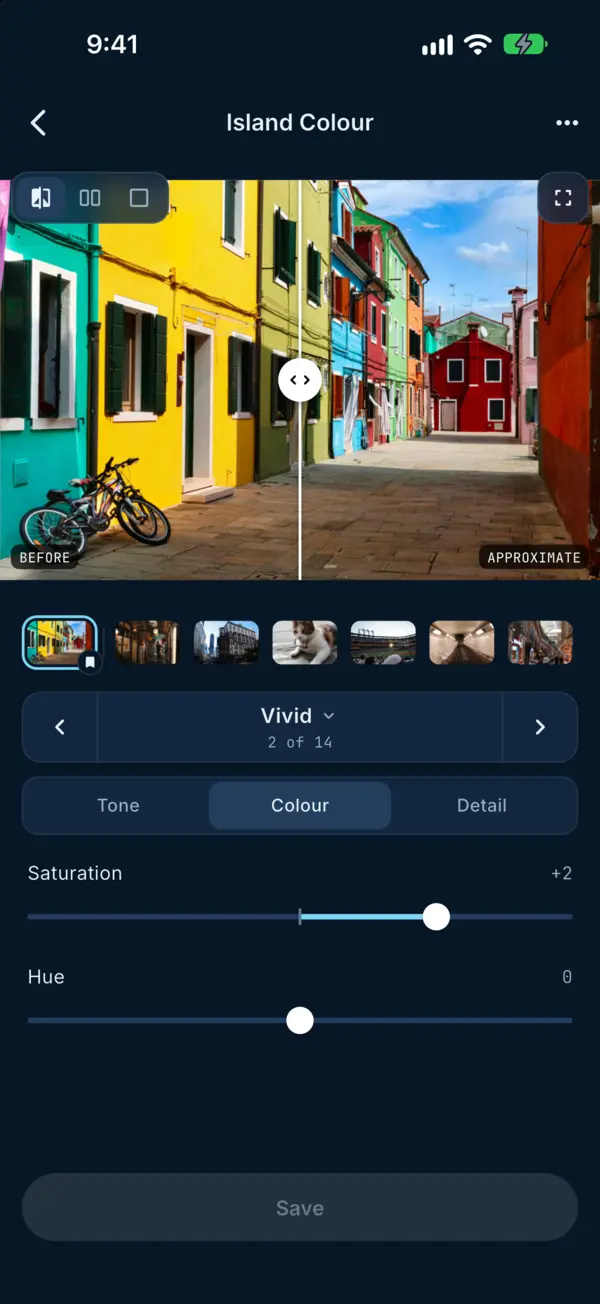
The look editor on its Colour tab, with a before and after previewThe look editor on its Colour tab, with a before and after previewThe look editor on its Colour tab, with a before and after previewThe look editor on its Colour tab, with a before and after previewThe look editor on its Colour tab, with a before and after preview
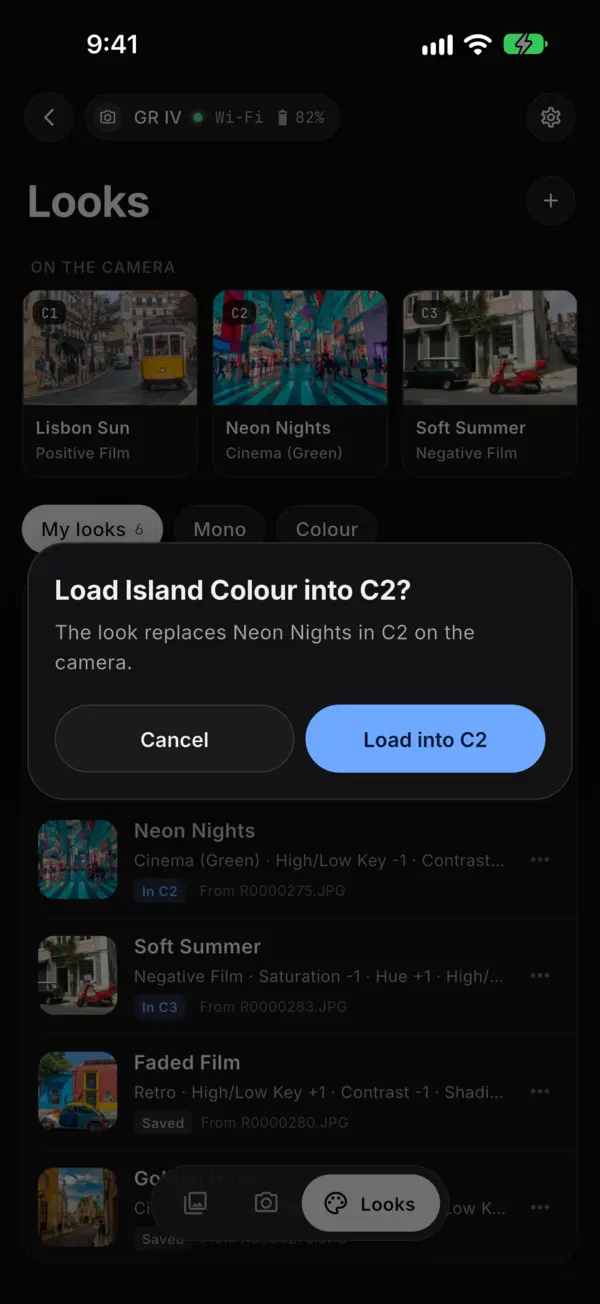
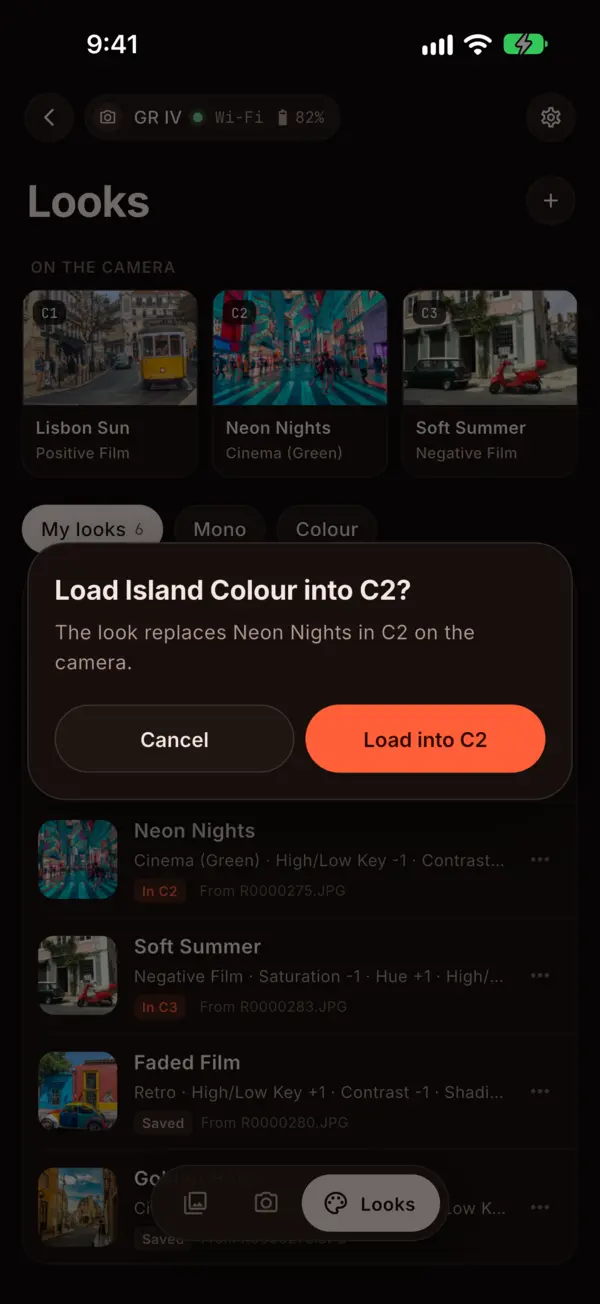
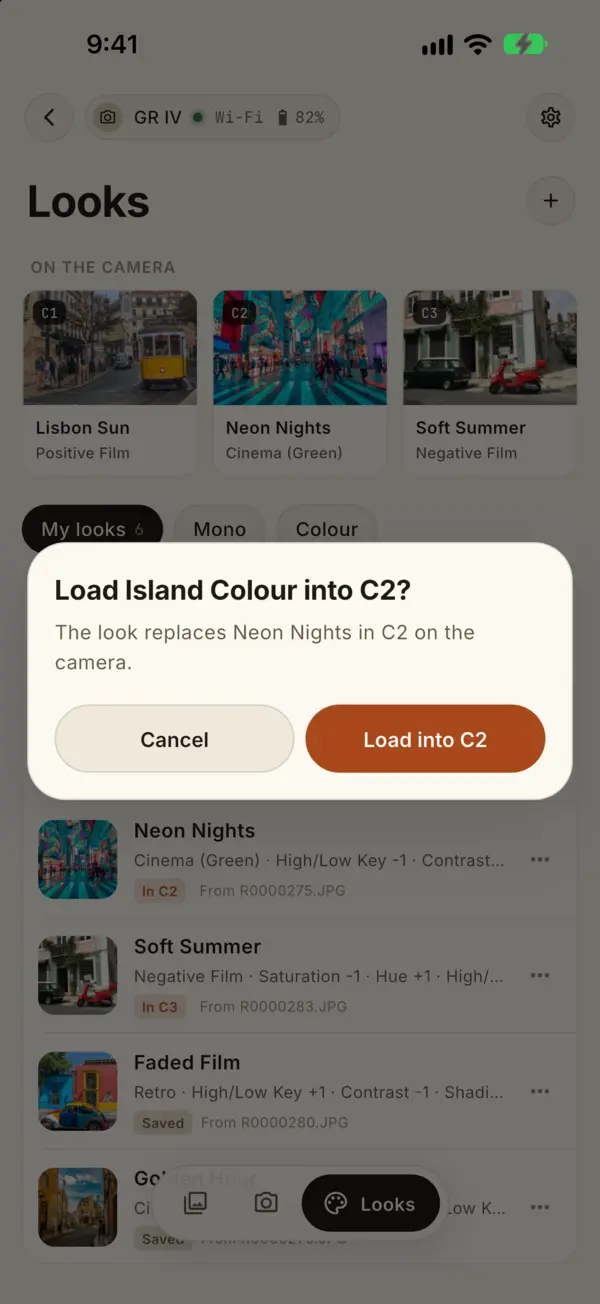
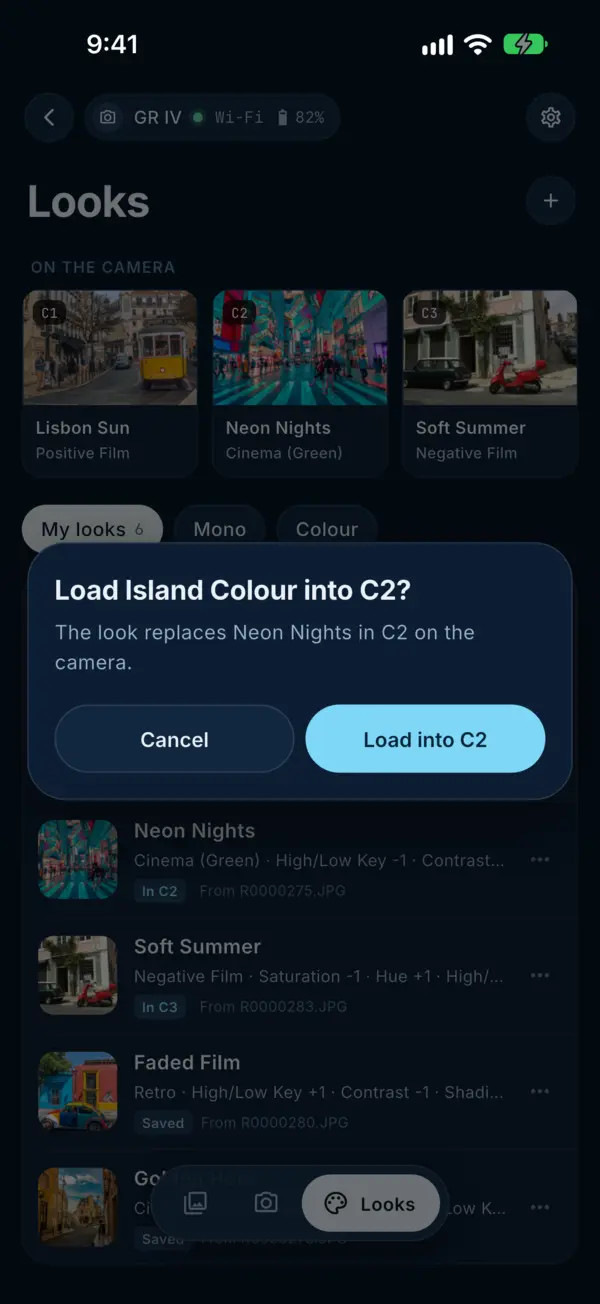
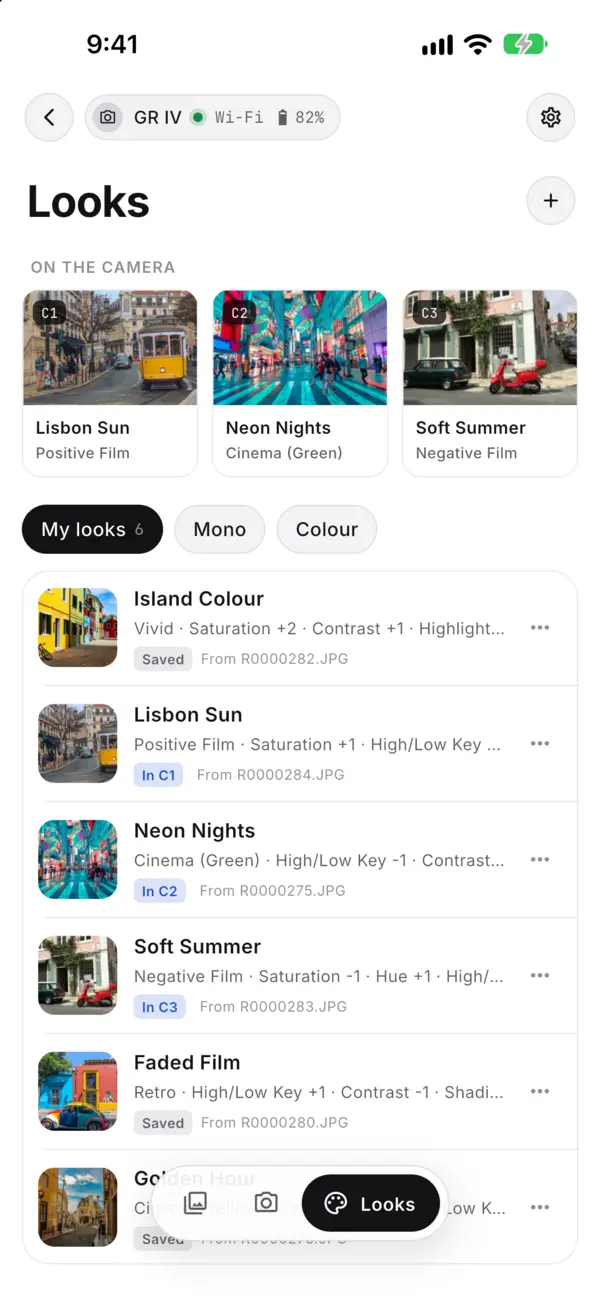
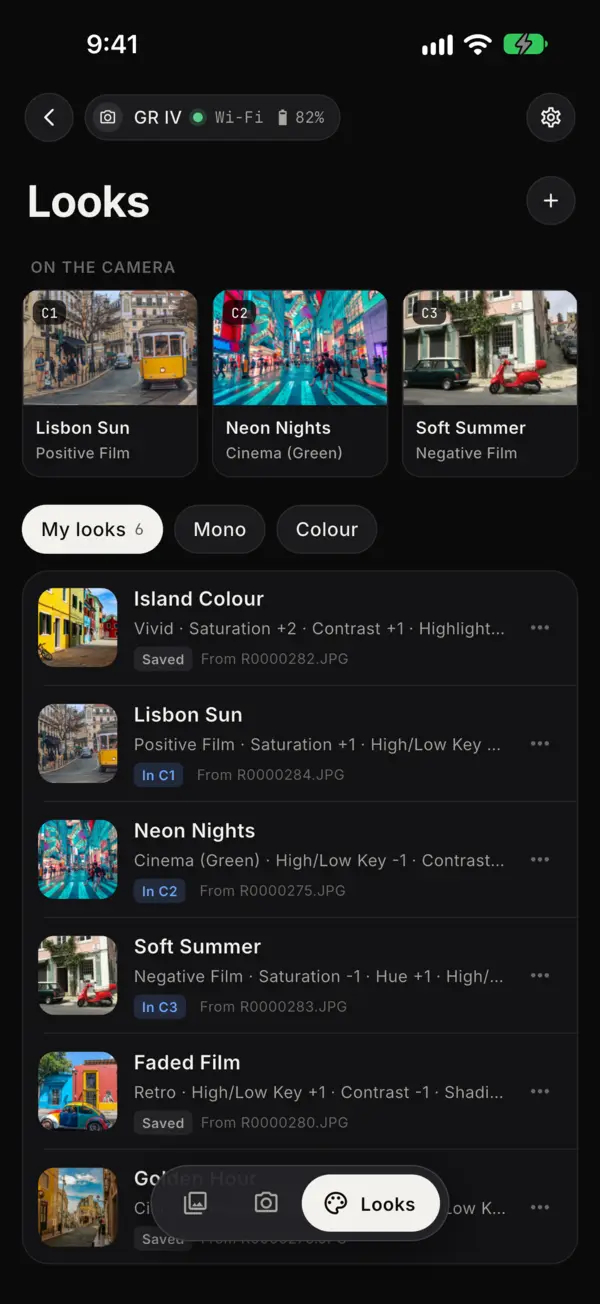
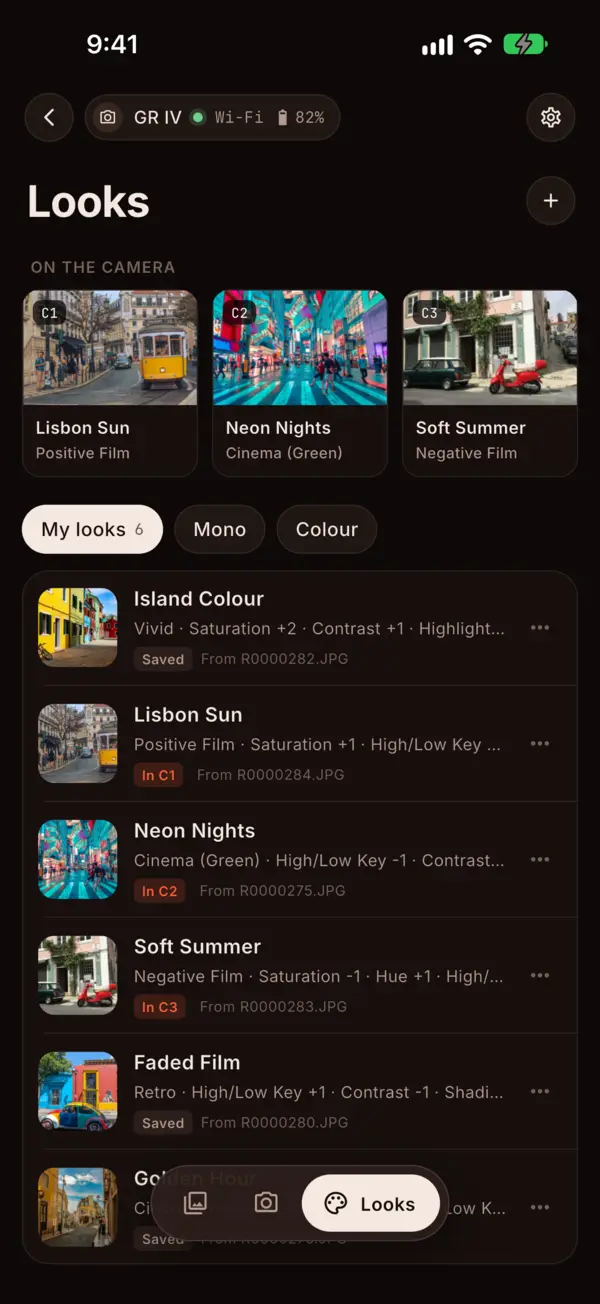
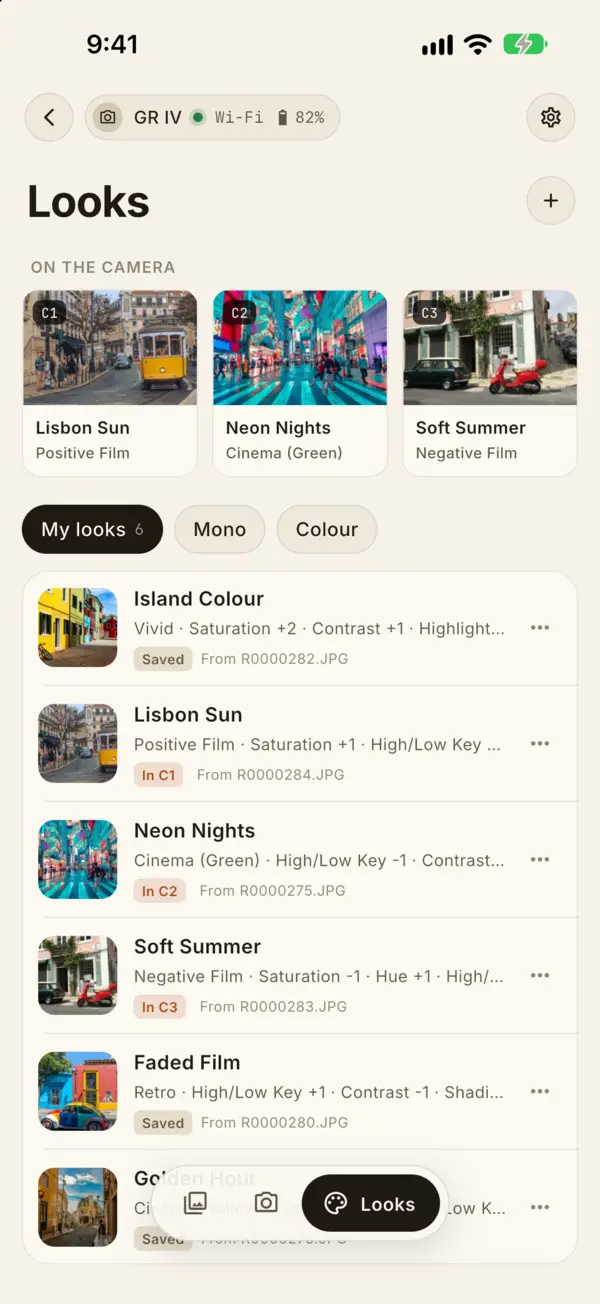
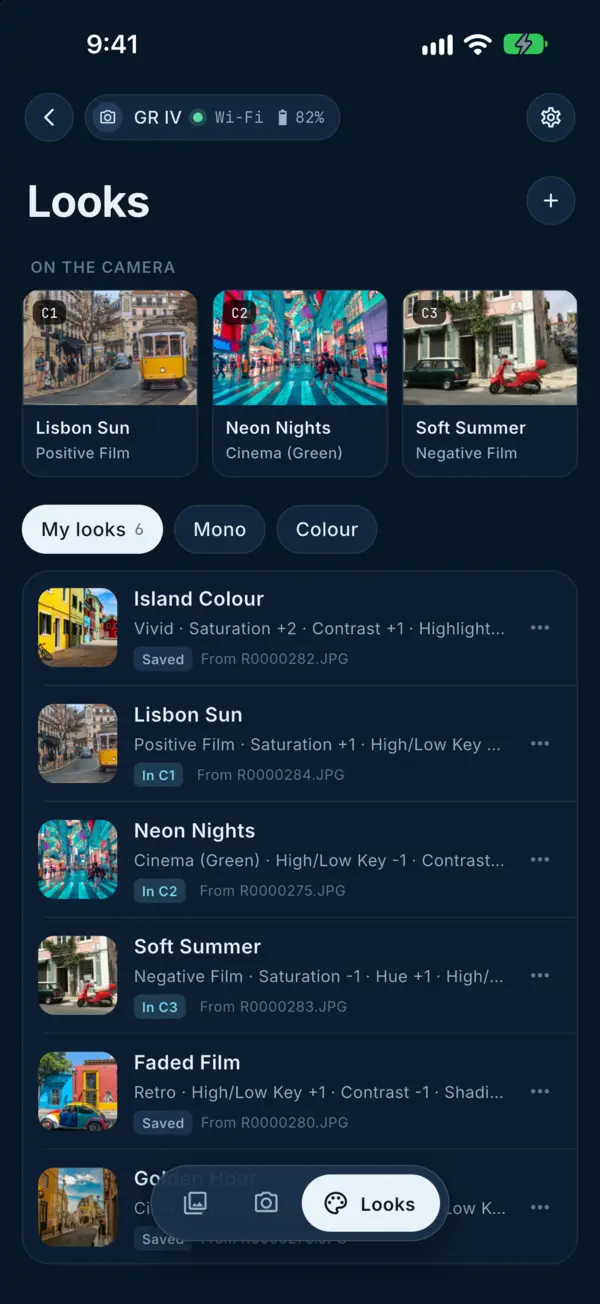
Looks: the camera's three Custom slots above the looks saved on the phoneLooks: the camera's three Custom slots above the looks saved on the phoneLooks: the camera's three Custom slots above the looks saved on the phoneLooks: the camera's three Custom slots above the looks saved on the phoneLooks: the camera's three Custom slots above the looks saved on the phone

Edit Image Control

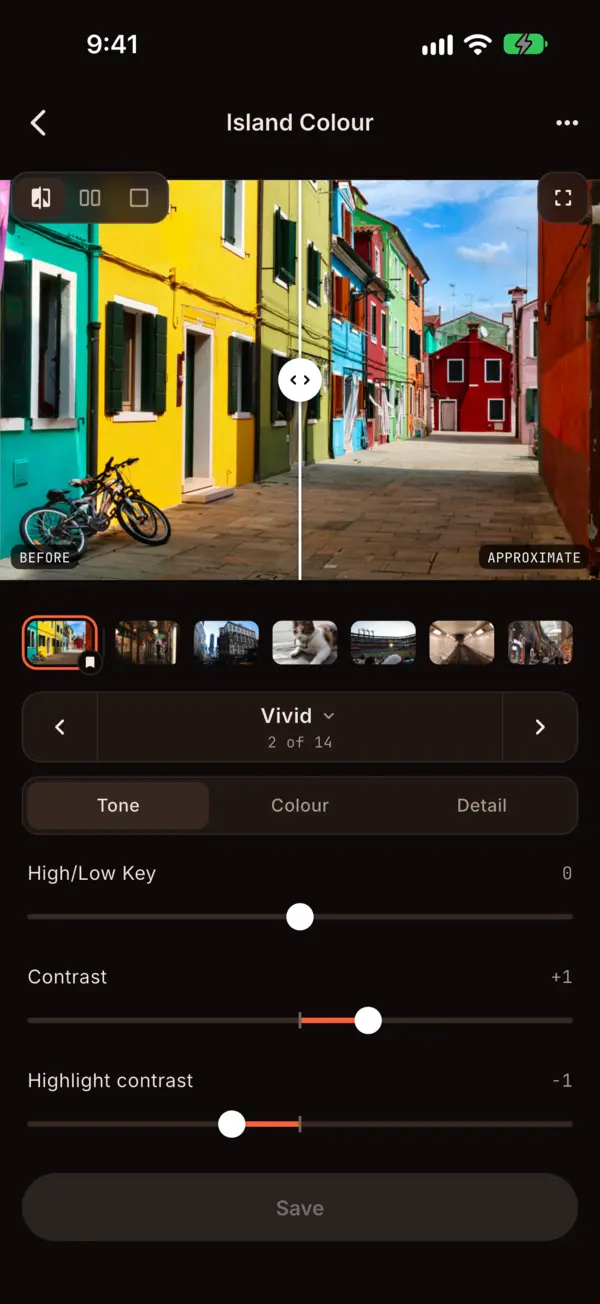
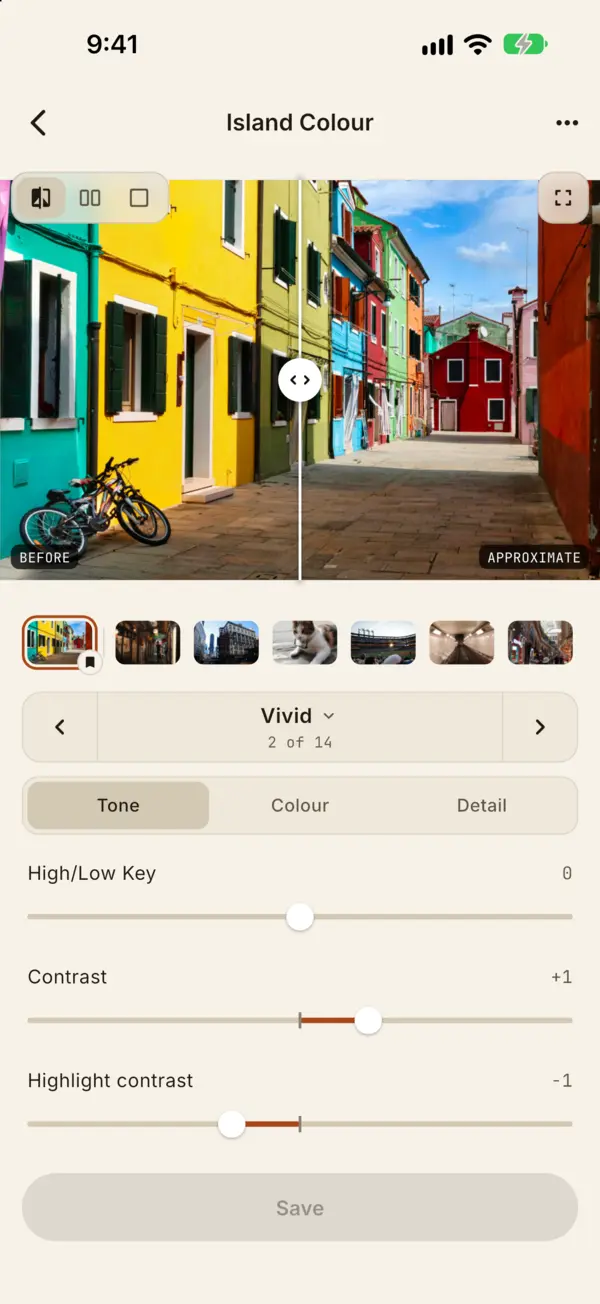
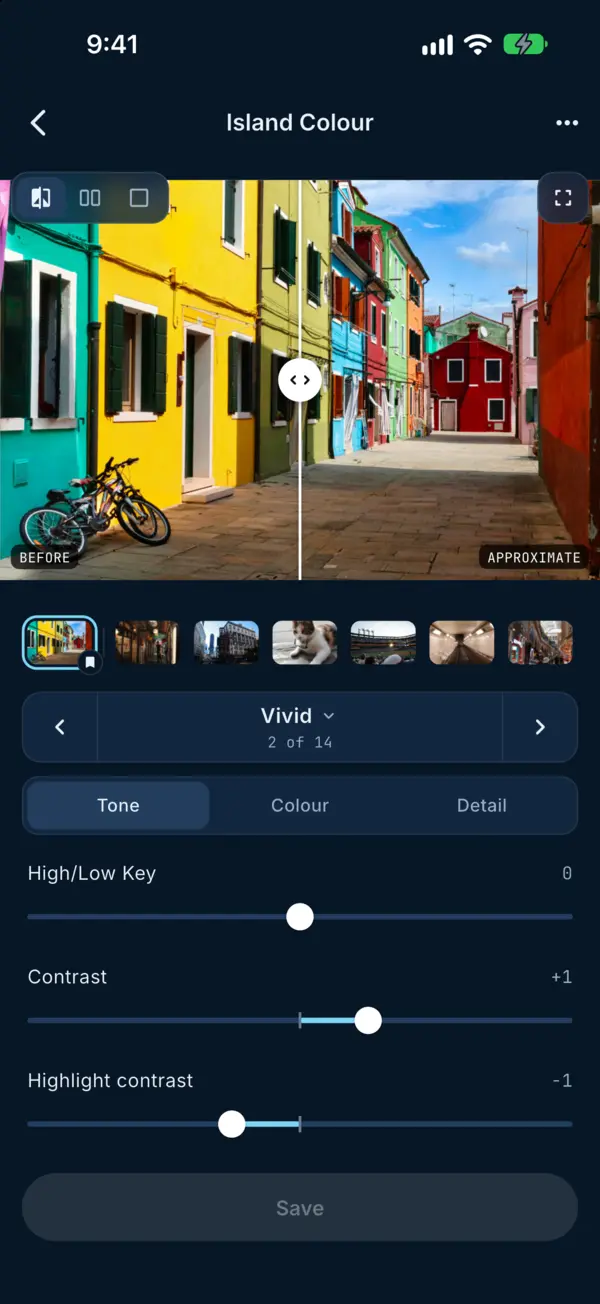
Change every parameter and see what it does to your own photo before you shoot with it.

GR IV only
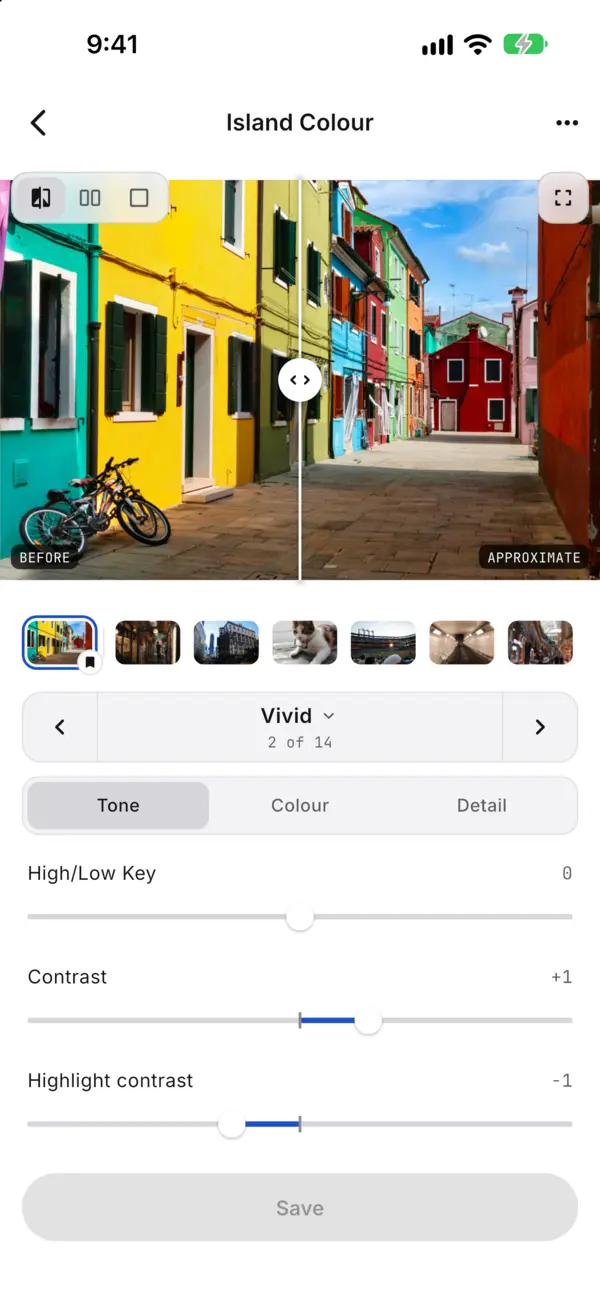
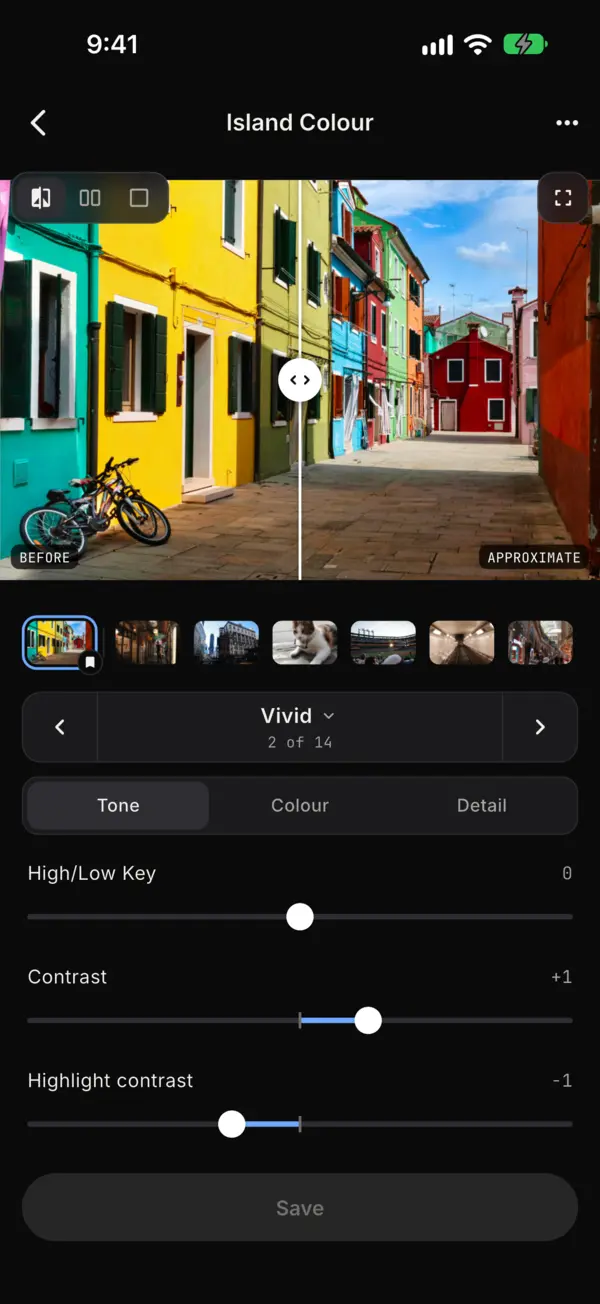
The look editor on its Tone tab, with a before and after previewThe look editor on its Tone tab, with a before and after previewThe look editor on its Tone tab, with a before and after previewThe look editor on its Tone tab, with a before and after previewThe look editor on its Tone tab, with a before and after preview
The look editor on its Colour tab, with a before and after previewThe look editor on its Colour tab, with a before and after previewThe look editor on its Colour tab, with a before and after previewThe look editor on its Colour tab, with a before and after previewThe look editor on its Colour tab, with a before and after preview

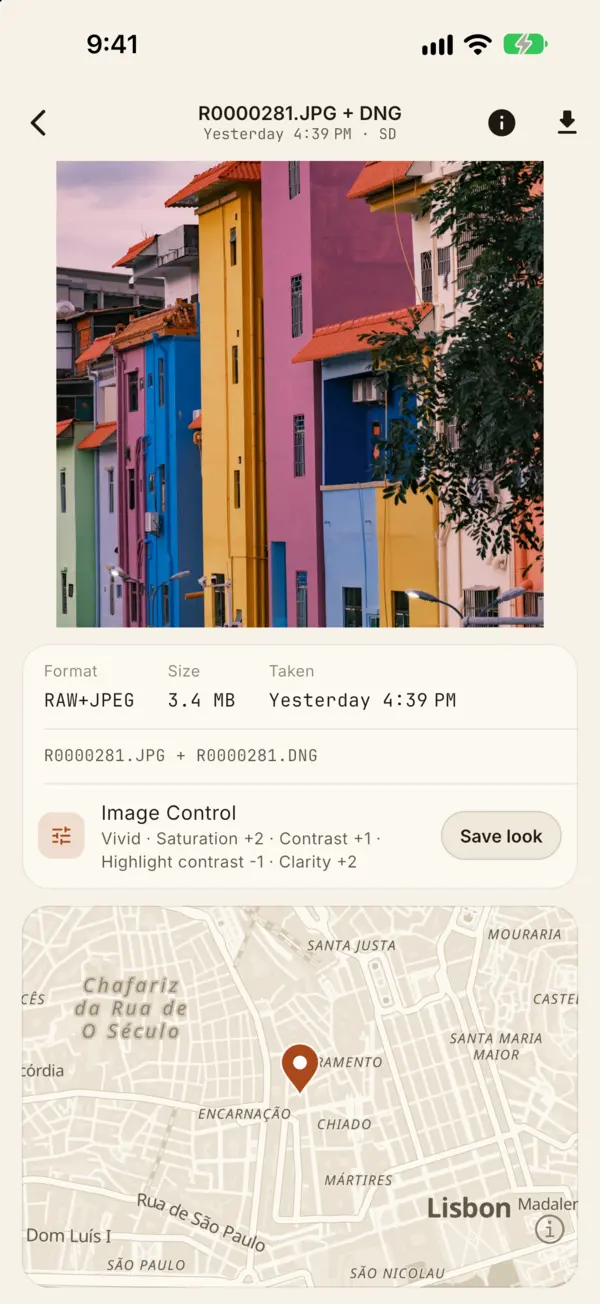
Save Image Control from photos

Save the Image Control a shot was taken with in one tap, and keep your looks on your phone. A couple more taps load one into your camera.

GR IV only
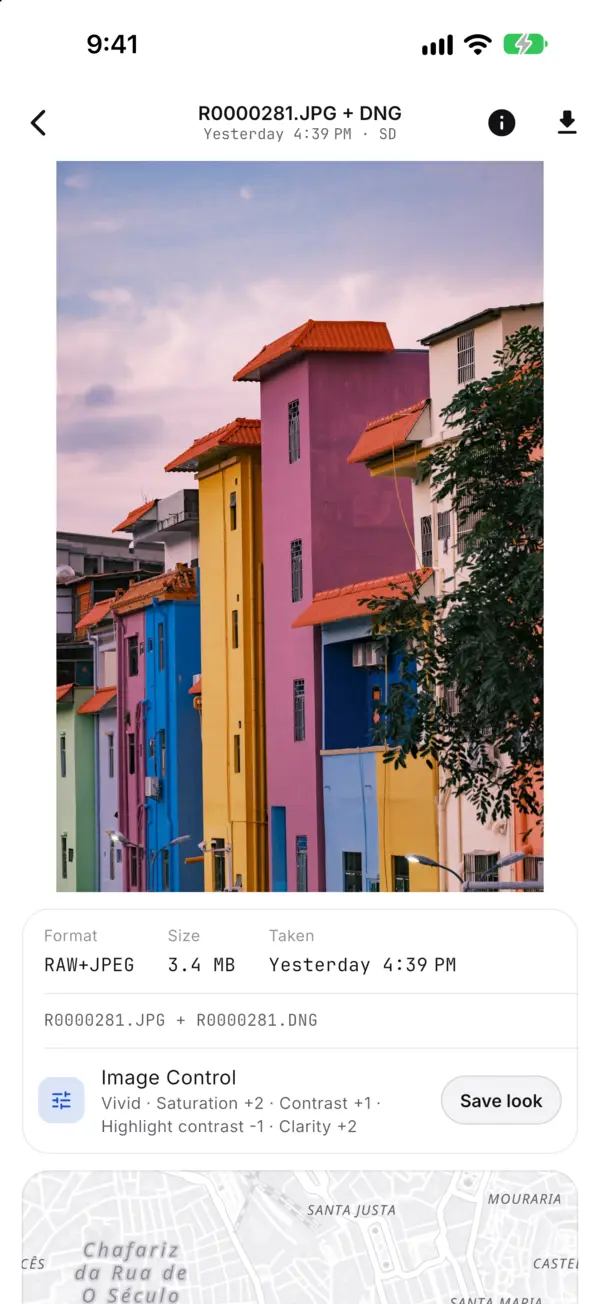
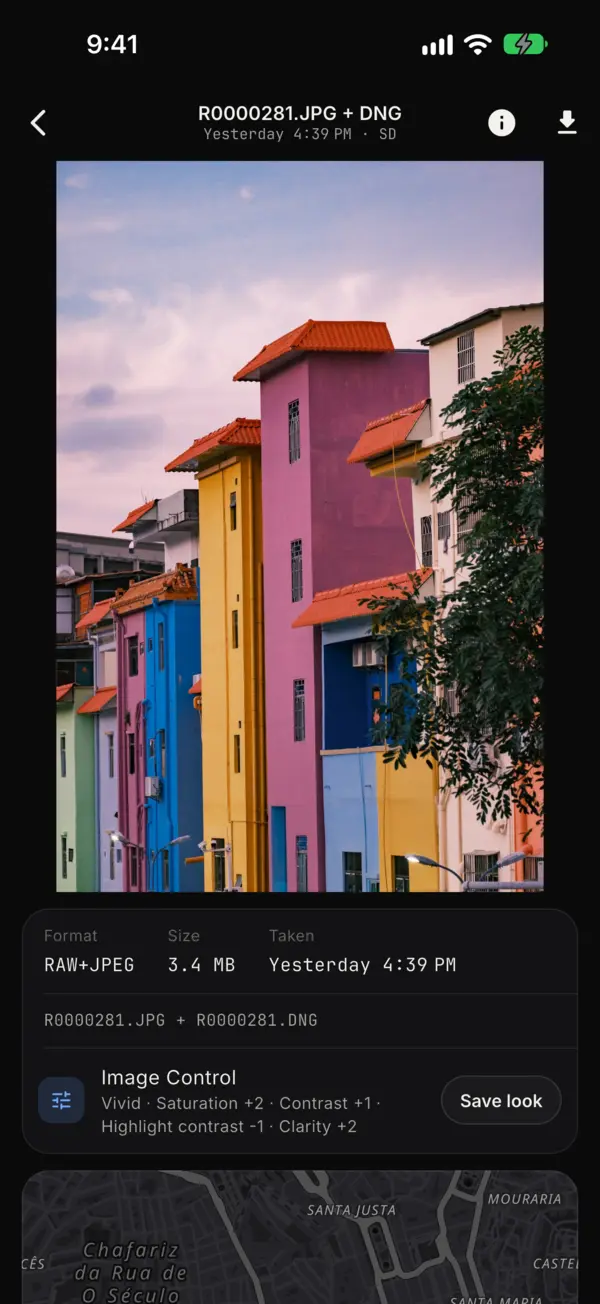
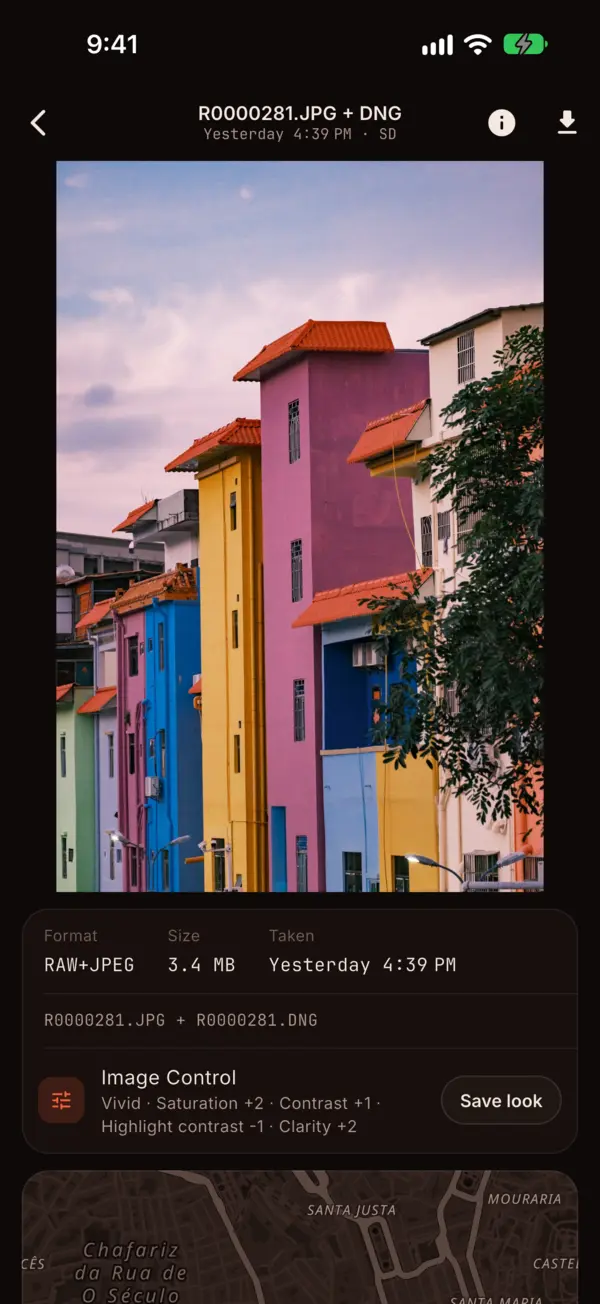
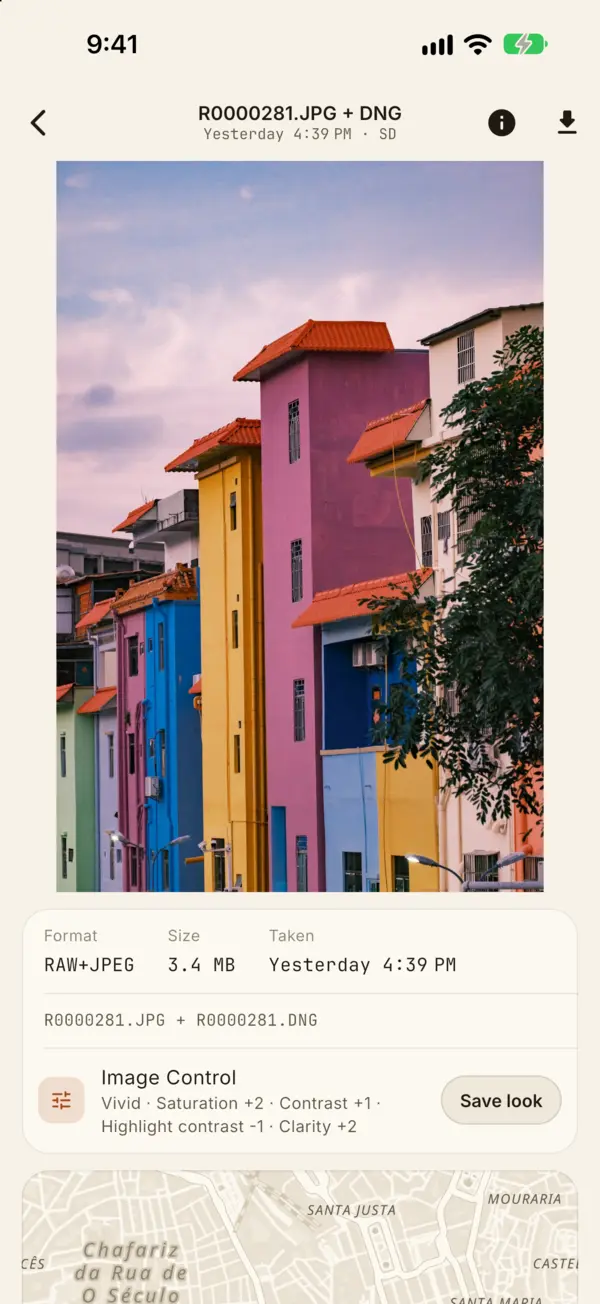
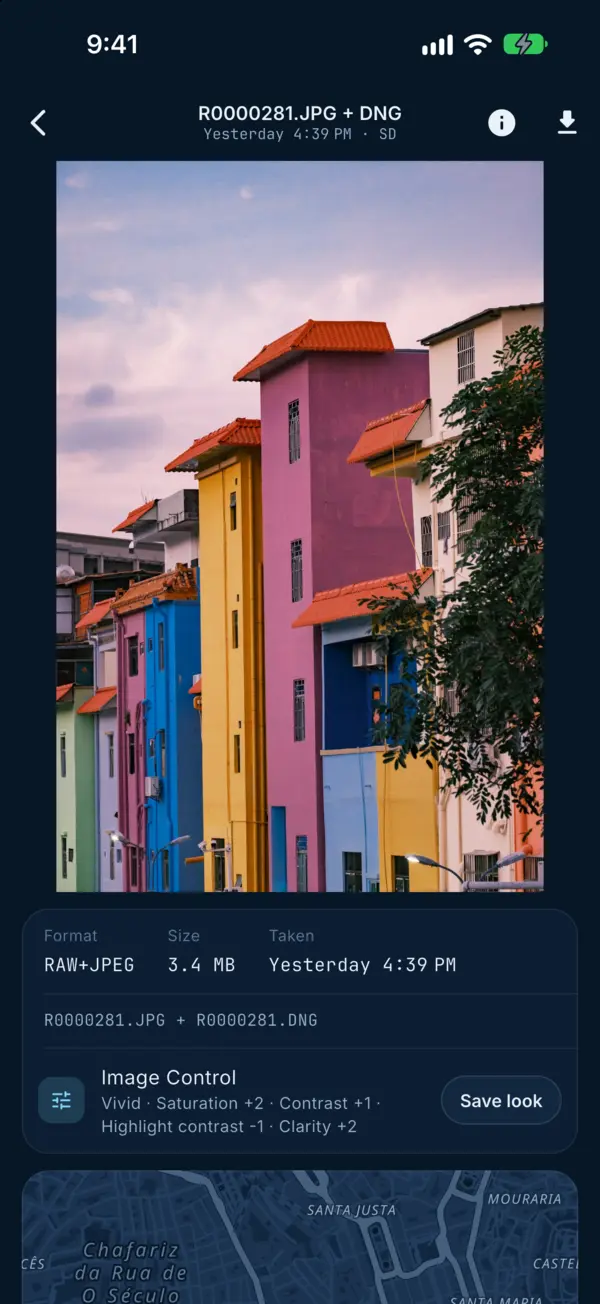
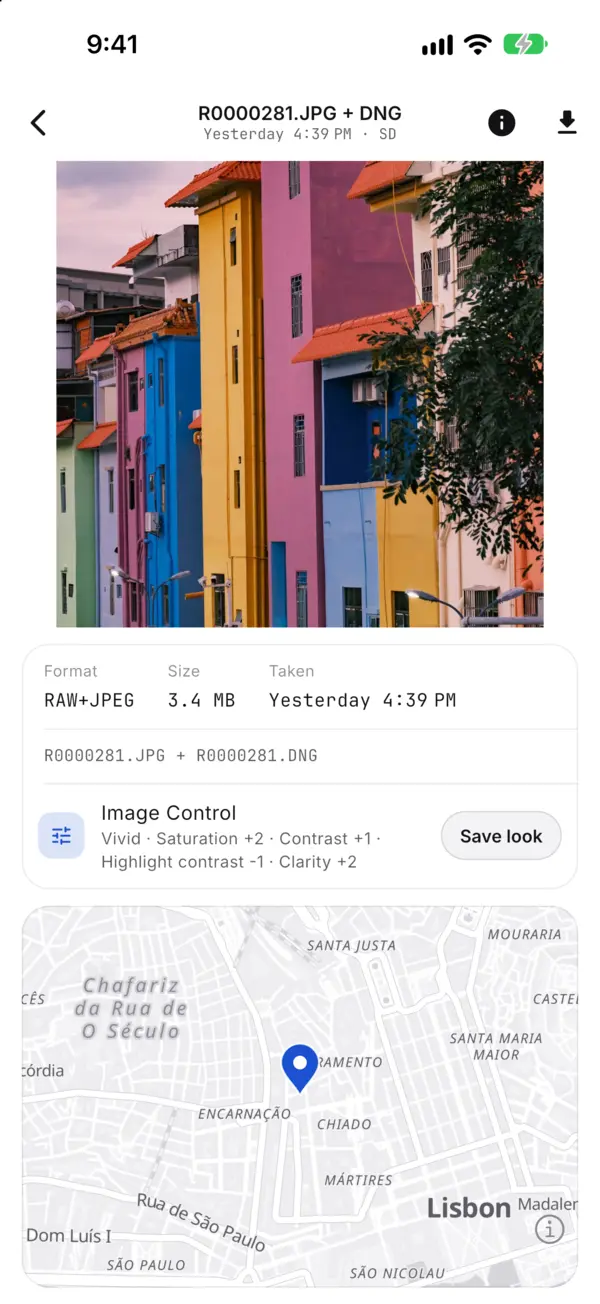
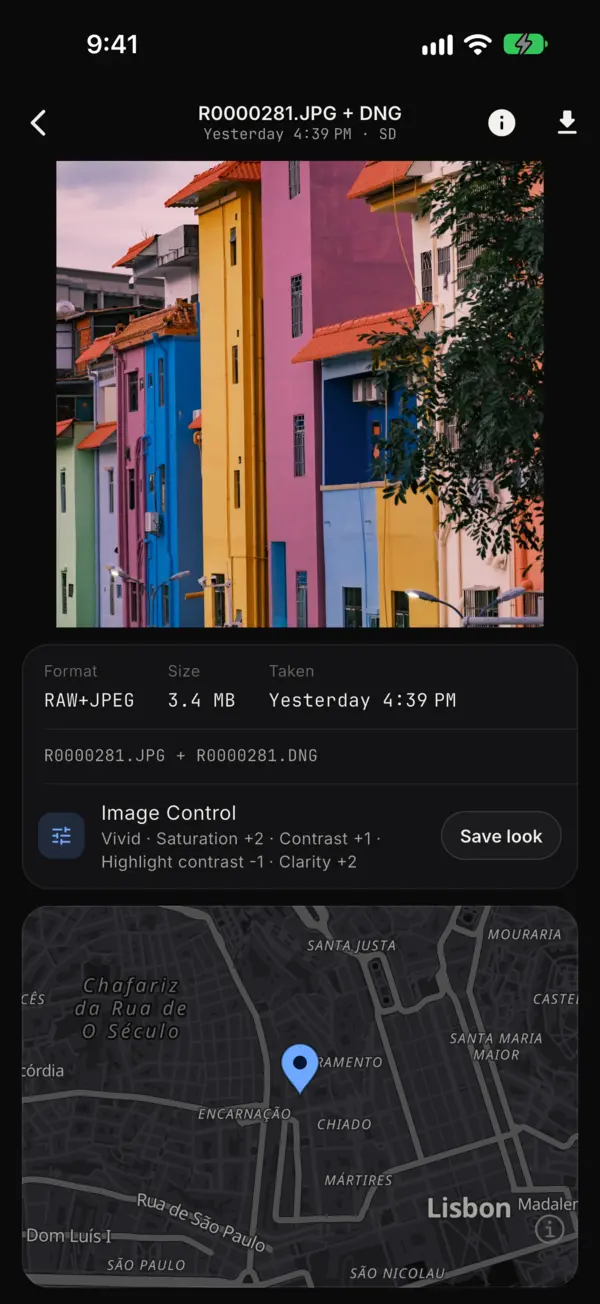
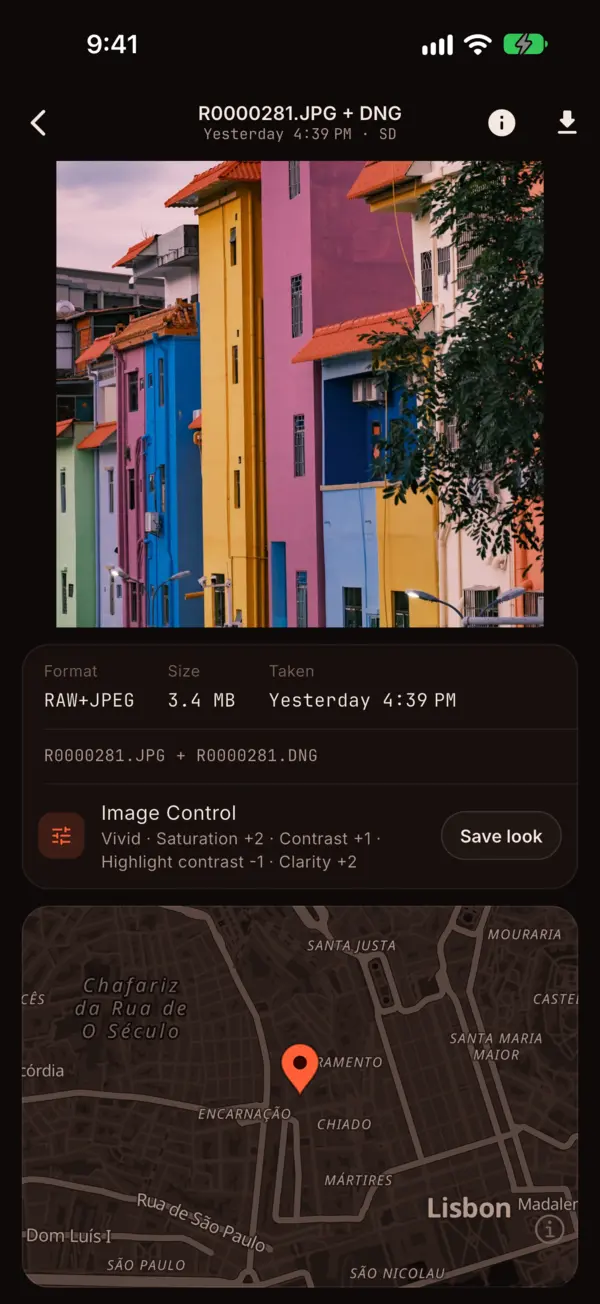
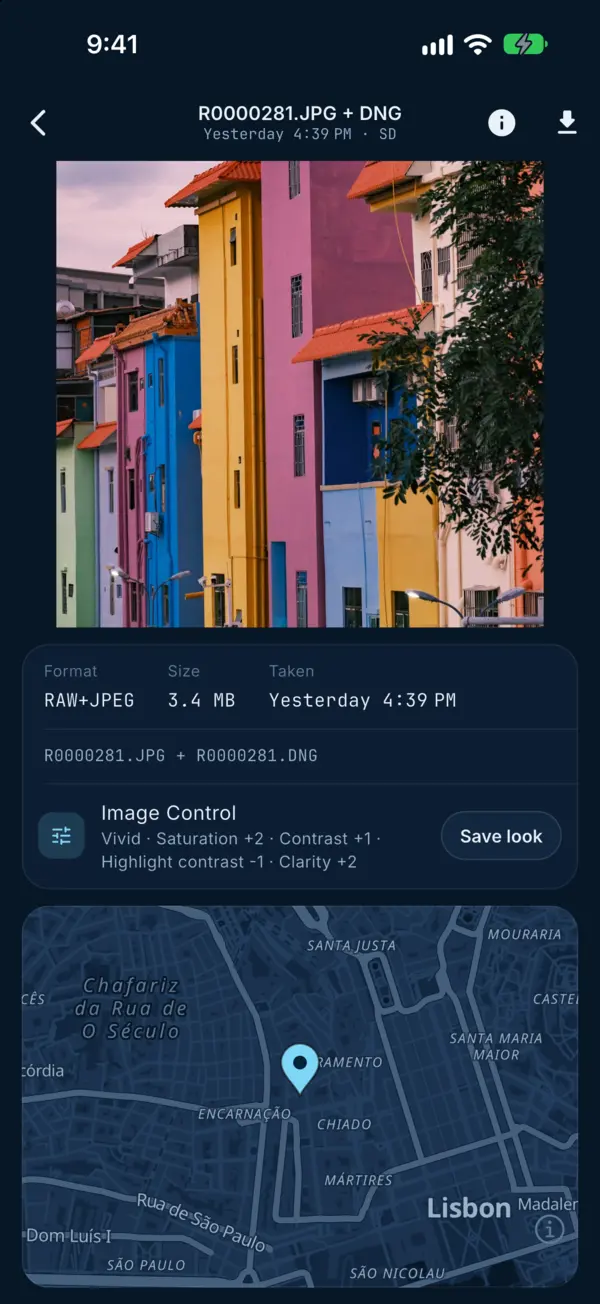
A photo's details: its format, size, date and Image Control, with Save lookA photo's details: its format, size, date and Image Control, with Save lookA photo's details: its format, size, date and Image Control, with Save lookA photo's details: its format, size, date and Image Control, with Save lookA photo's details: its format, size, date and Image Control, with Save look
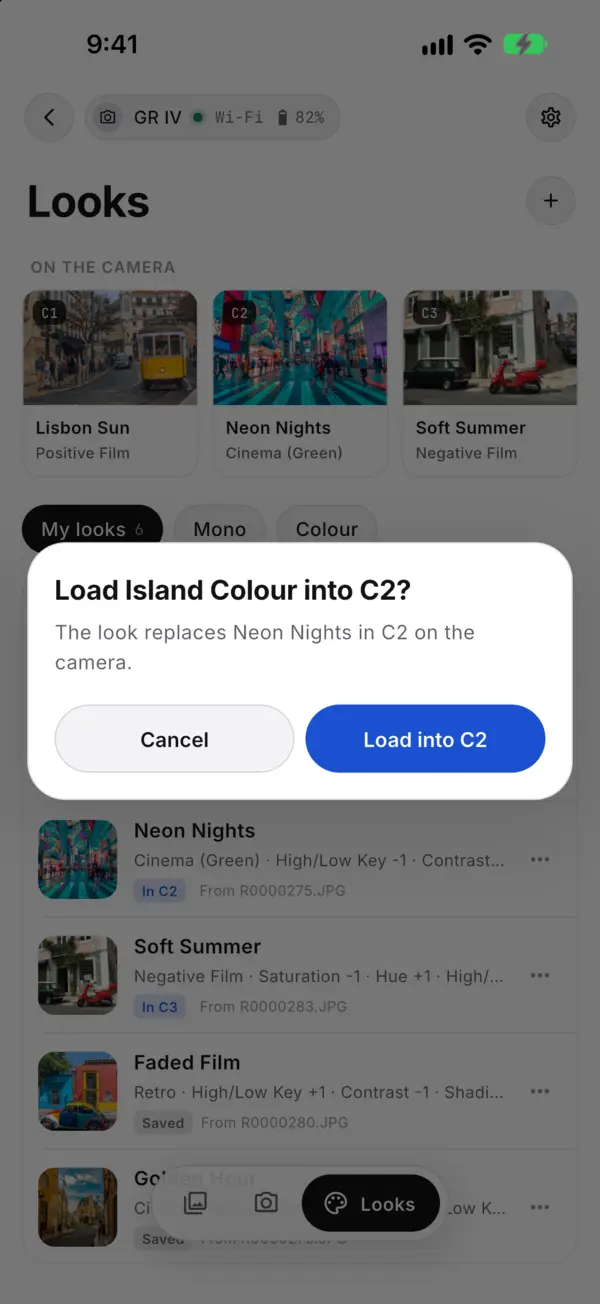
Loading a saved look into the camera's C2 slotLoading a saved look into the camera's C2 slotLoading a saved look into the camera's C2 slotLoading a saved look into the camera's C2 slotLoading a saved look into the camera's C2 slot

Shoot from your phone

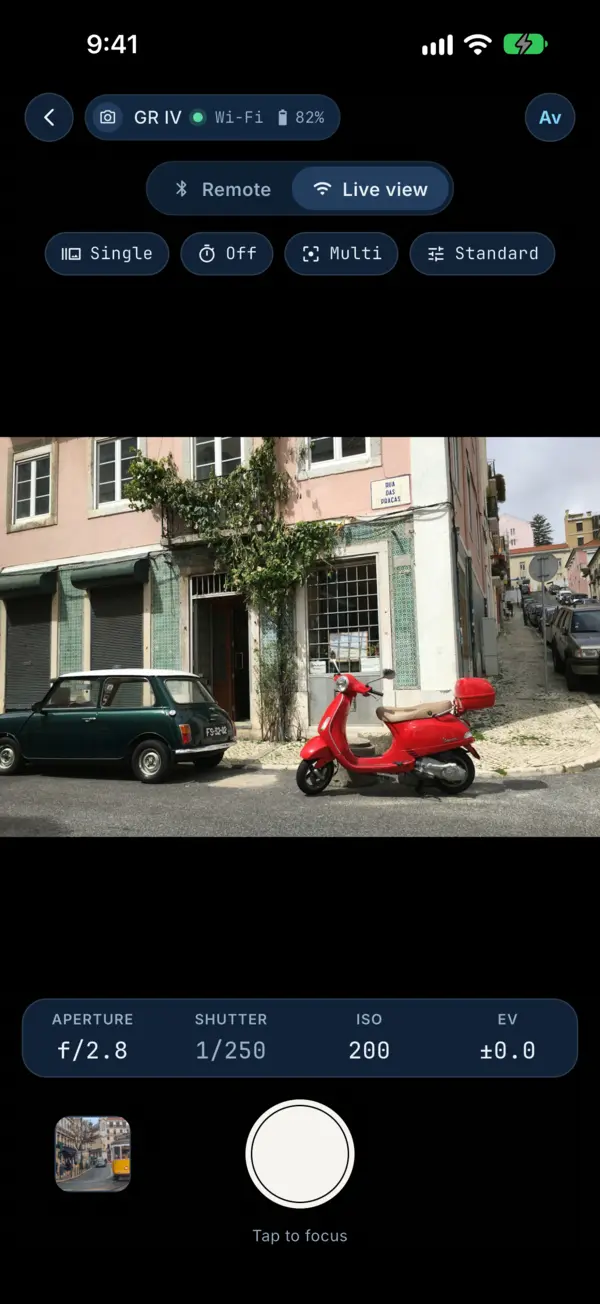
A shutter button over Bluetooth, or live view over Wi-Fi with focus and exposure.
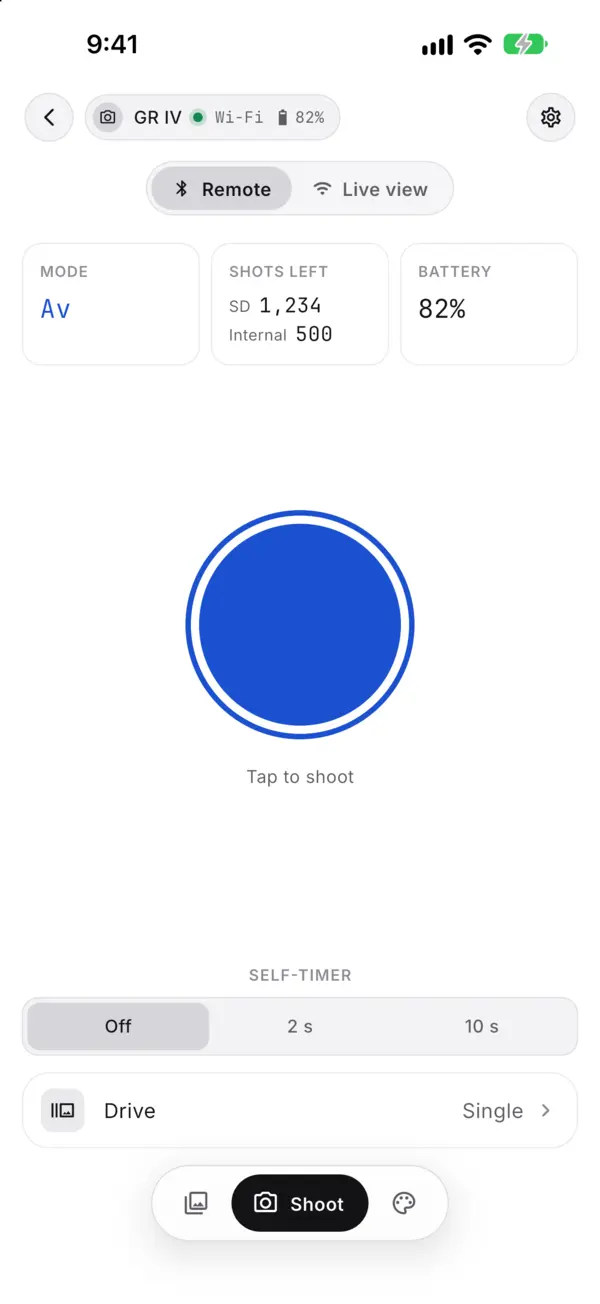
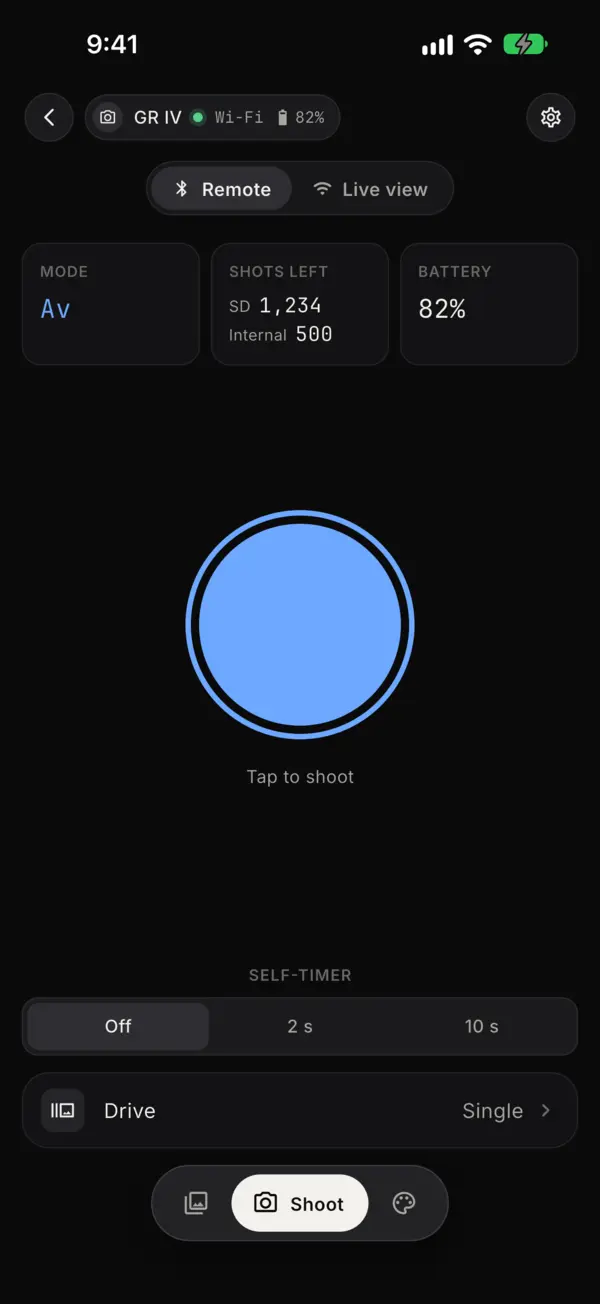
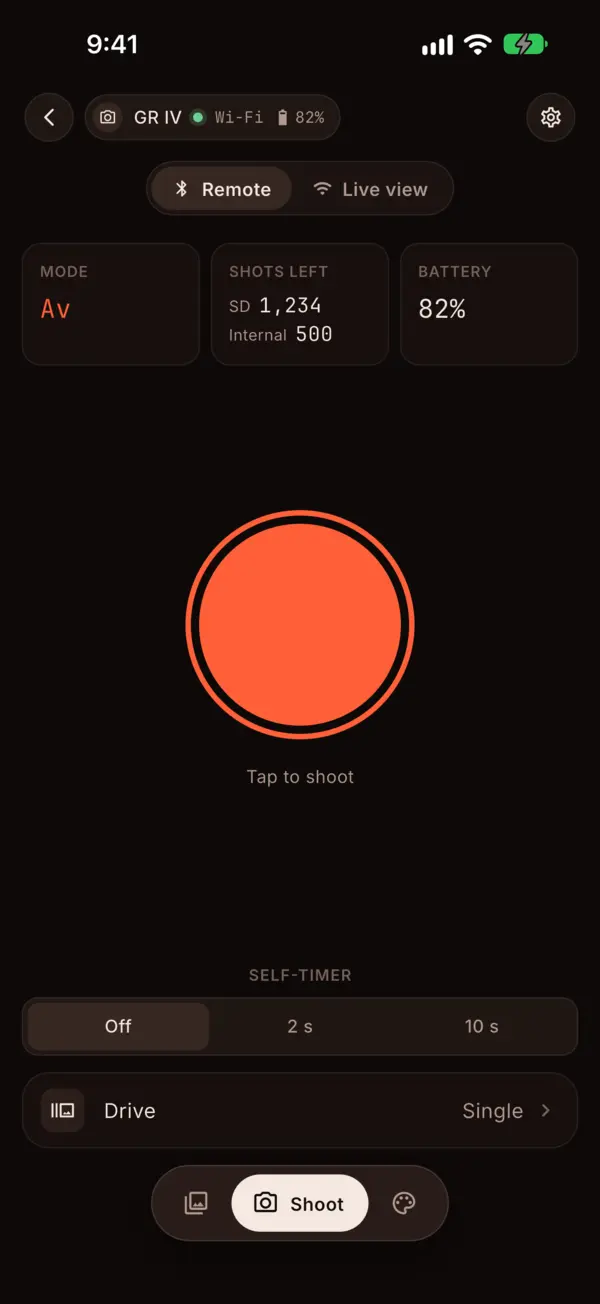
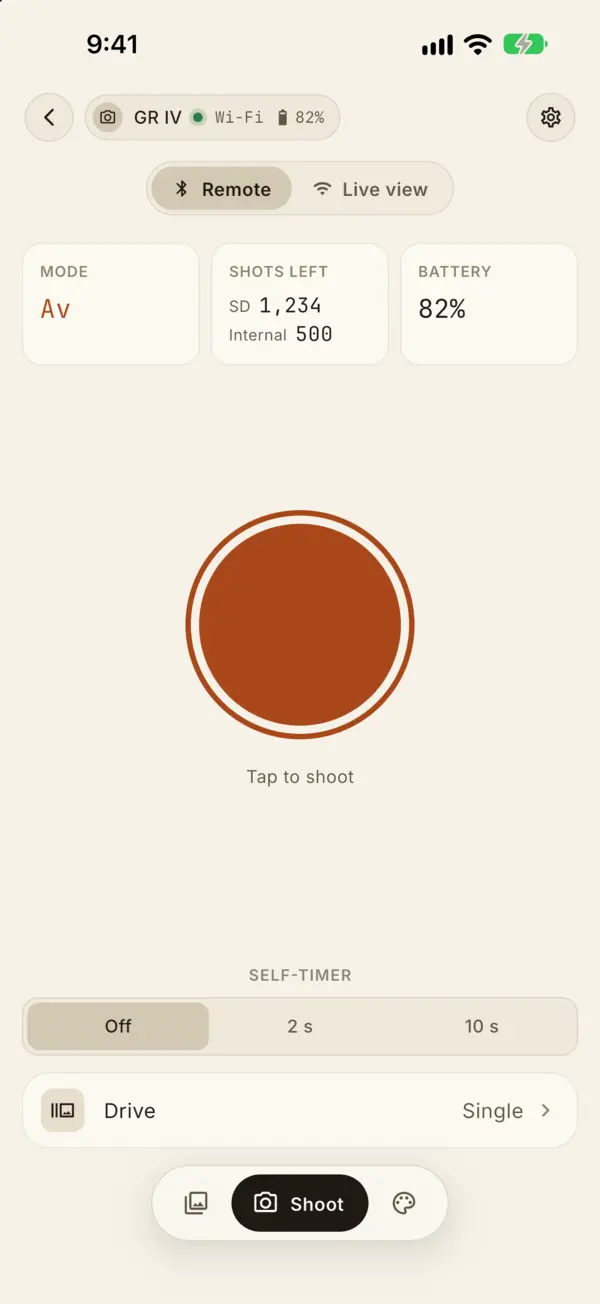
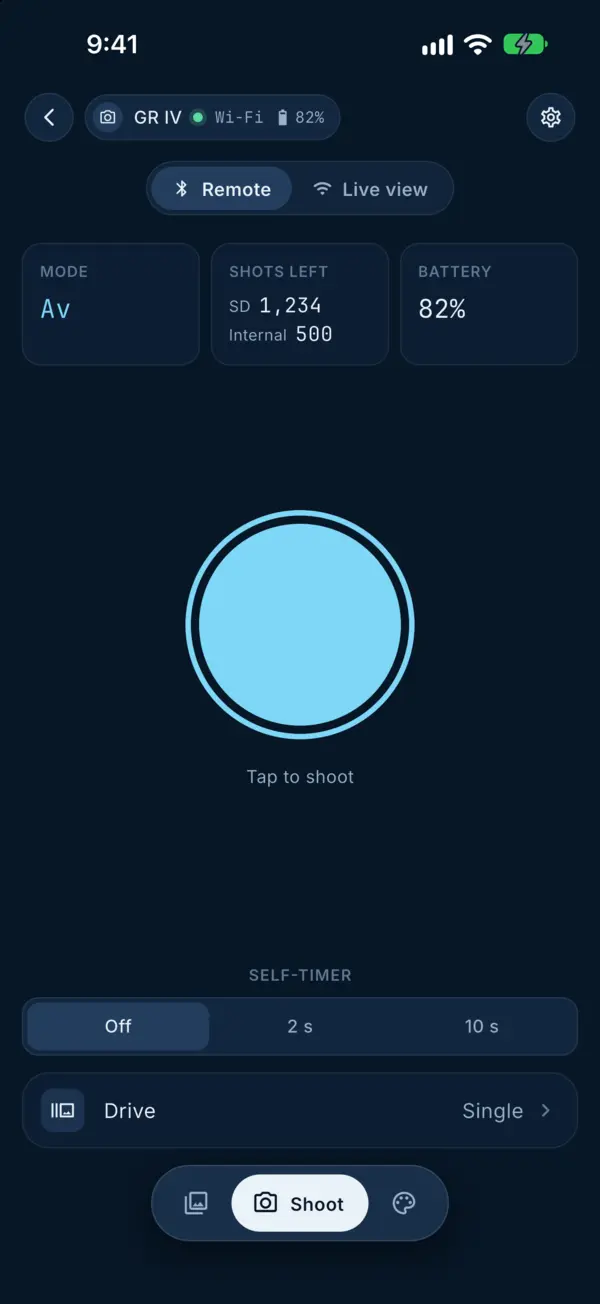
Remote: the shutter button, self-timer and drive mode over BluetoothRemote: the shutter button, self-timer and drive mode over BluetoothRemote: the shutter button, self-timer and drive mode over BluetoothRemote: the shutter button, self-timer and drive mode over BluetoothRemote: the shutter button, self-timer and drive mode over Bluetooth
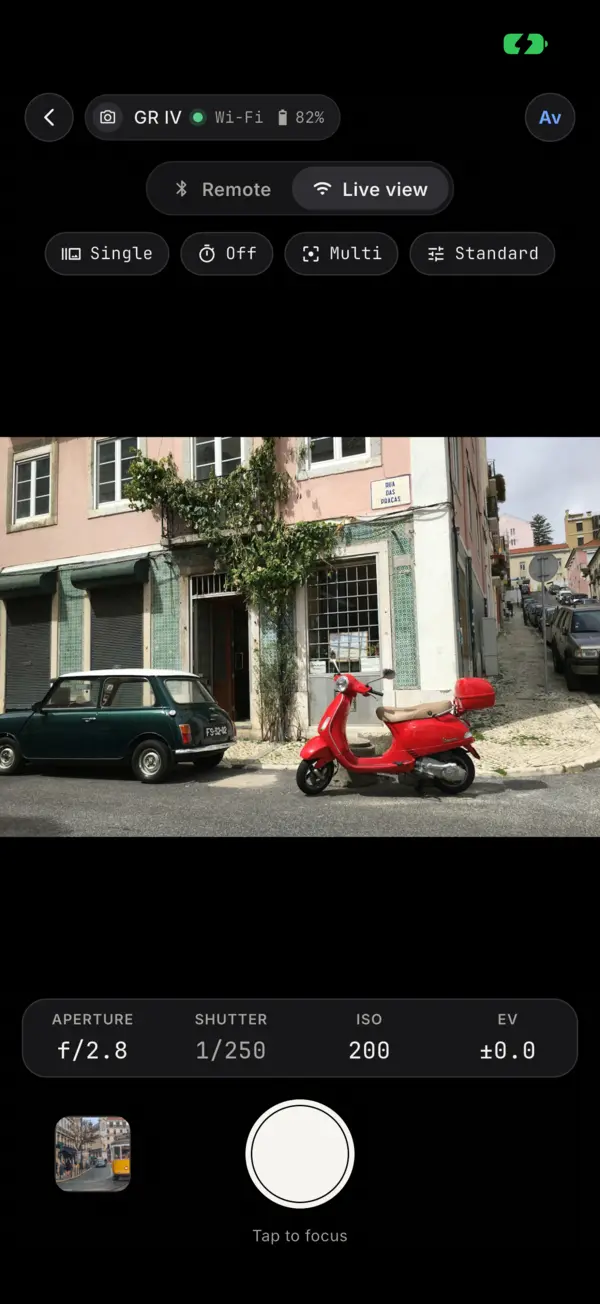
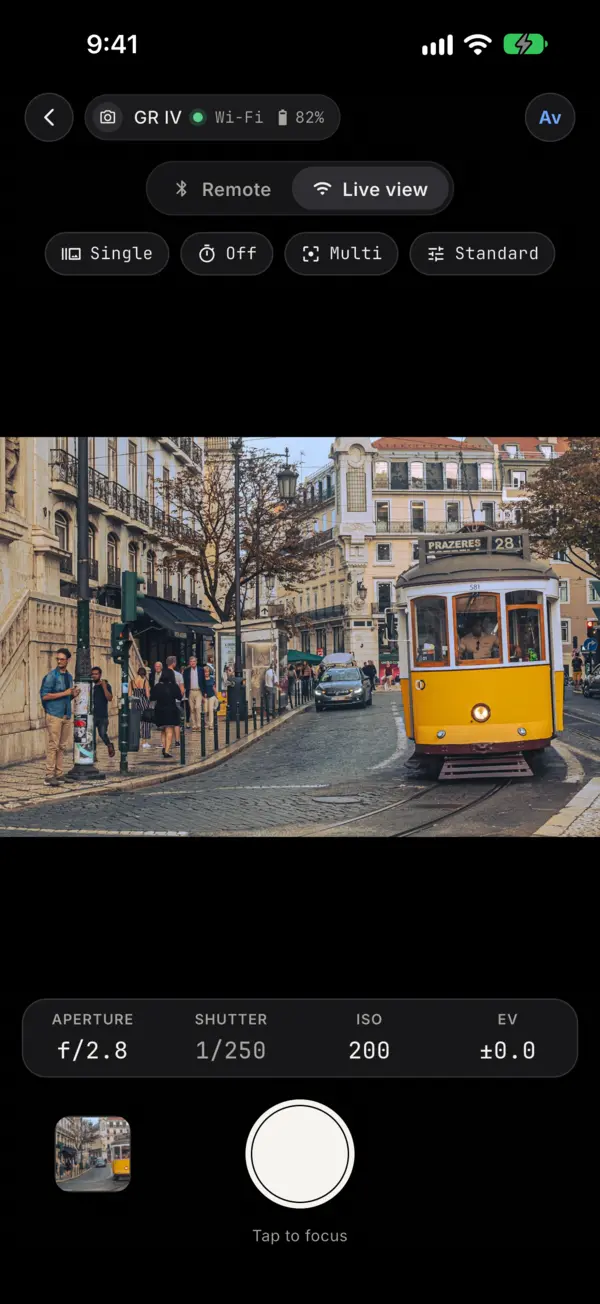
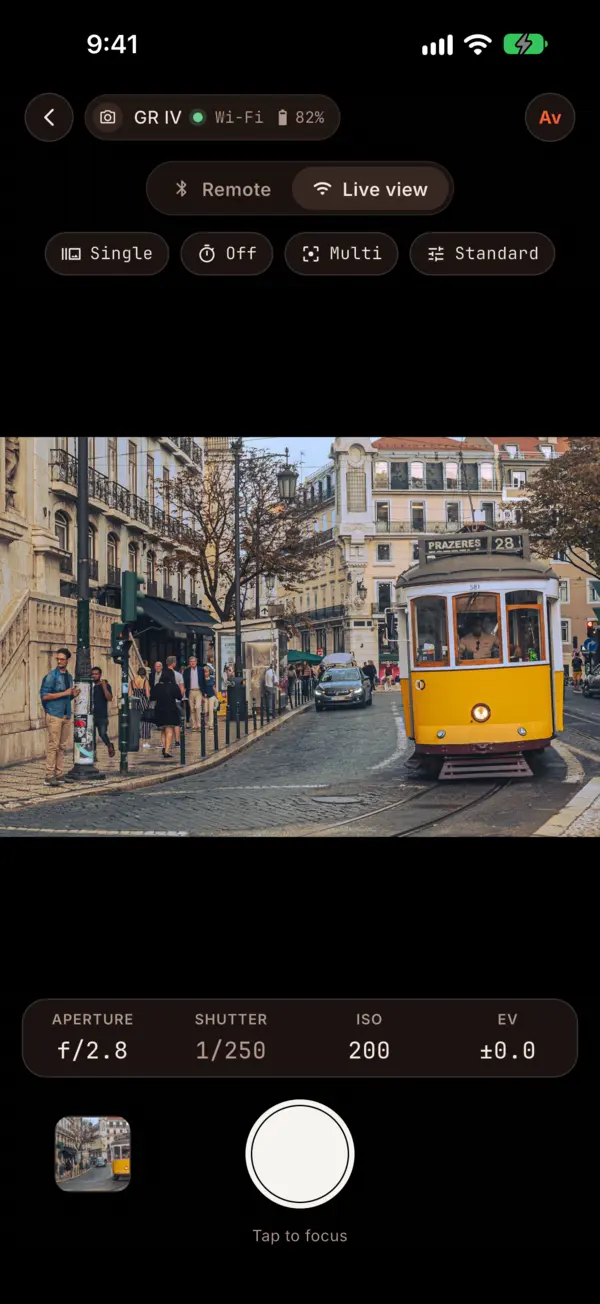
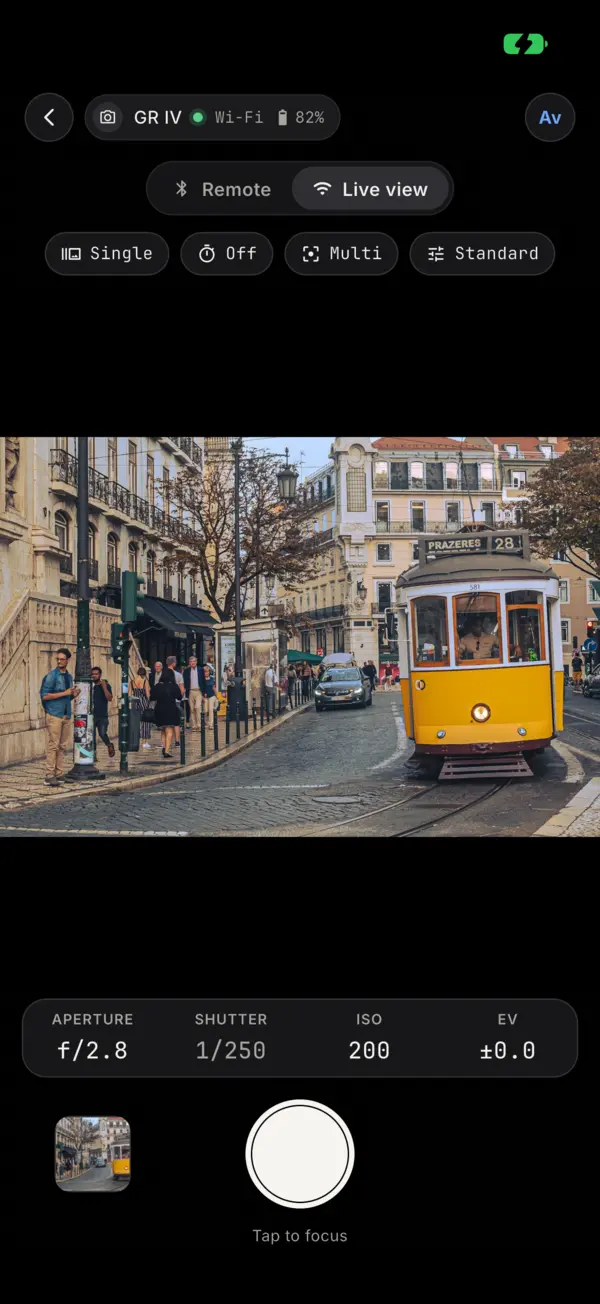
Live view: the camera's picture with exposure readouts and the shutter buttonLive view: the camera's picture with exposure readouts and the shutter buttonLive view: the camera's picture with exposure readouts and the shutter buttonLive view: the camera's picture with exposure readouts and the shutter buttonLive view: the camera's picture with exposure readouts and the shutter button

Download and geotag your photos

Browse the whole card, save JPEG or RAW, and let your phone add the location to every shot.
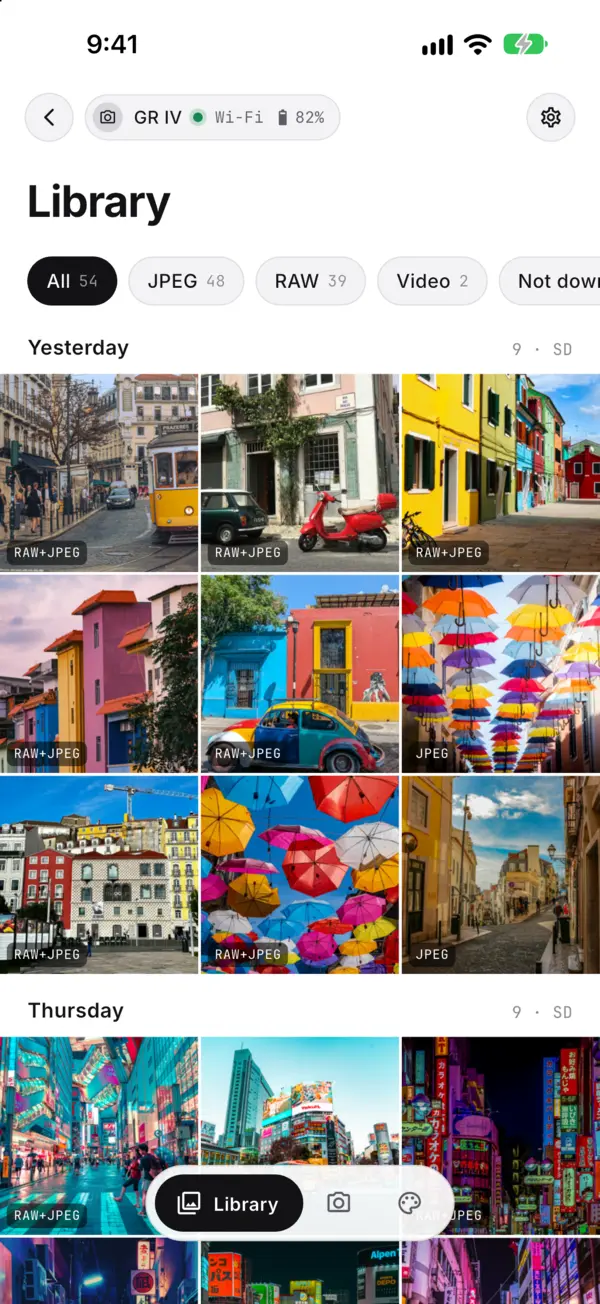
The Library: the photos on the camera's card by day, with filters for JPEG, RAW and videoThe Library: the photos on the camera's card by day, with filters for JPEG, RAW and videoThe Library: the photos on the camera's card by day, with filters for JPEG, RAW and videoThe Library: the photos on the camera's card by day, with filters for JPEG, RAW and videoThe Library: the photos on the camera's card by day, with filters for JPEG, RAW and video
A photo with a map of where it was takenA photo with a map of where it was takenA photo with a map of where it was takenA photo with a map of where it was takenA photo with a map of where it was taken

Get GR Photo

For the GR III, GR IIIx and GR IV, including the HDF bodies and the GR IV Monochrome. iOS 15.5 or later, Android 12 or later.